Ponder/Help/Review before using an AI-assisted draft
Translations and theology

Review before using an AI-assisted draft

A practical review checklist for doctrine, scripture, tone, age fit, and pastoral care.

Human review is the step that turns an AI-assisted draft into something you can responsibly use. Ponder gives you a draft, not pastoral authority.

Read for faithfulness

Check that the draft follows the sermon, does not introduce a new thesis, and does not flatten the preacher's doctrine. Confirm scripture references are real and used responsibly.

  • Does the draft keep the sermon's passage and main claim central?
  • Does it add an idea the sermon did not teach?
  • Does every Scripture reference exist and fit the context?
  • Does quoted Scripture carry the right translation attribution?

Read for people

Ask whether the tone fits the child, group, class, student, or individual in front of you. Remove anything that feels too generic, too forceful, or pastorally unwise.

Use a simple review pass

A review pass does not need to be complicated. Read the draft once for truth, once for people, and once for practical use.

  1. Truth: check Scripture, doctrine, and connection to the sermon.
  2. People: check age fit, sensitivity, tone, and local context.
  3. Practice: check whether the questions, prayers, or activities can actually be used this week.

If you would not be comfortable owning a sentence as the leader, parent, or teacher, edit it or remove it before using the output.
Frequently asked questions

Why does Ponder require human review?

Because discipleship touches real people, doctrine, children, and pastoral care. Ponder gives a draft, not a final authority.

Review before using.

Ponder support articles describe the intended workflow. Generated output still needs human review before teaching, sharing, or using it with a child, student, group, or church.

Screens from the app

Connect this article to the real product.

These actual screenshots show the onboarding, help, and pricing screens a user may see while following support guidance.

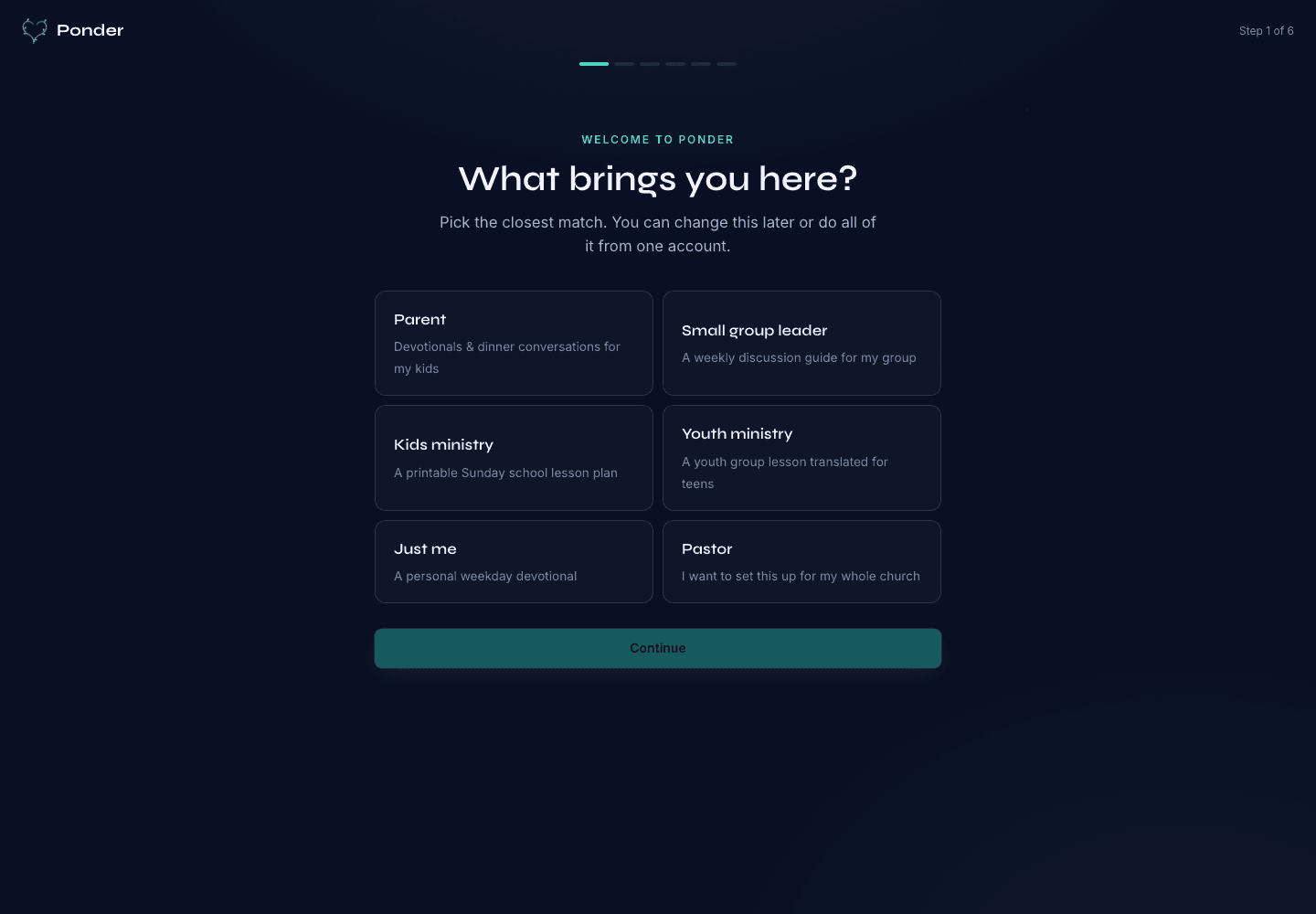
Ponder actual onboarding screen showing persona choices for parents, group leaders, kids ministry, youth ministry, individuals, and pastors.
Choose the setting

Actual onboarding screen where a user starts by naming the discipleship setting.

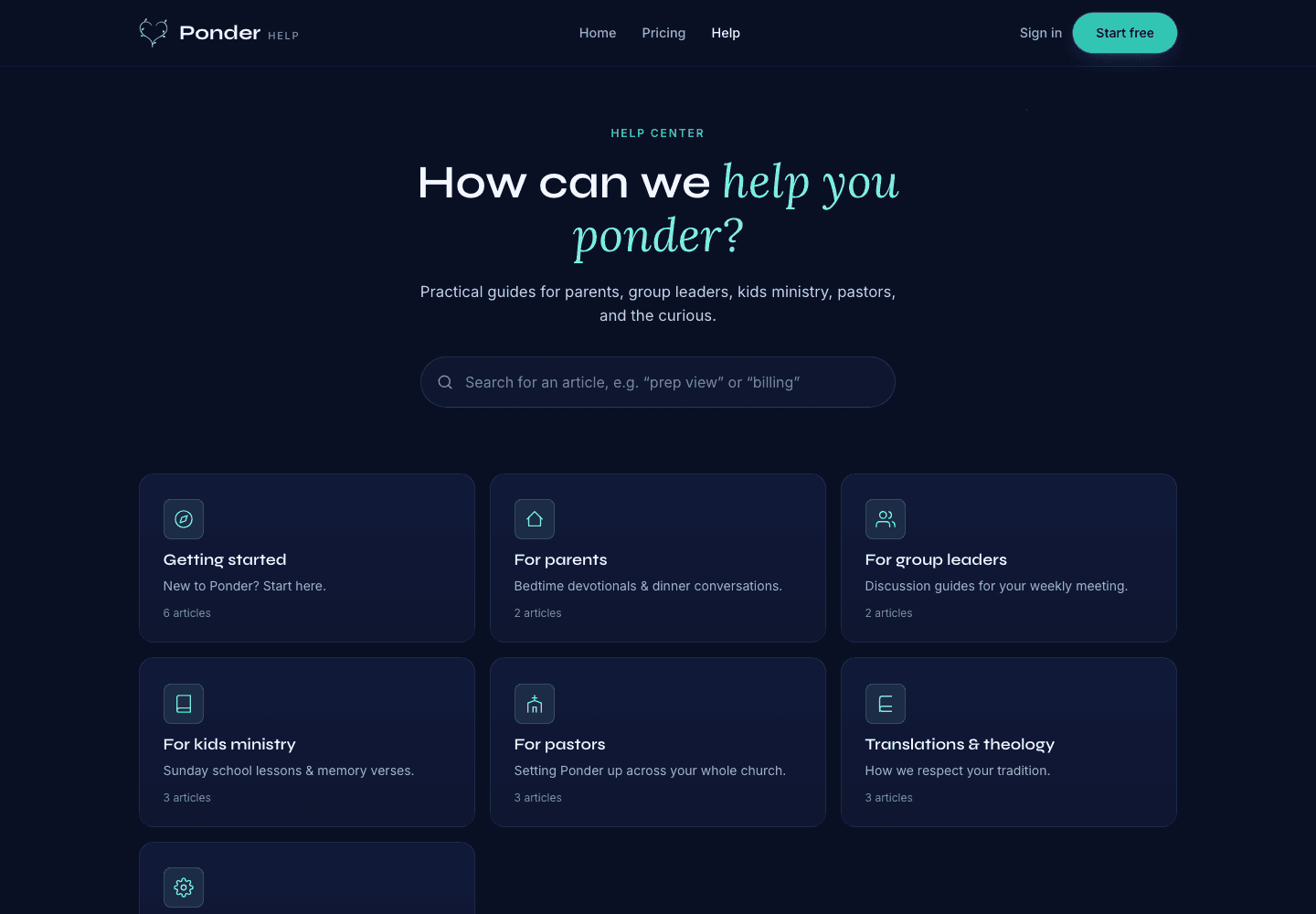
Ponder actual help center screen showing searchable support categories for parents, group leaders, kids ministry, pastors, and theology.
Find practical help

Actual help center screen with searchable support before and after a first sermon.

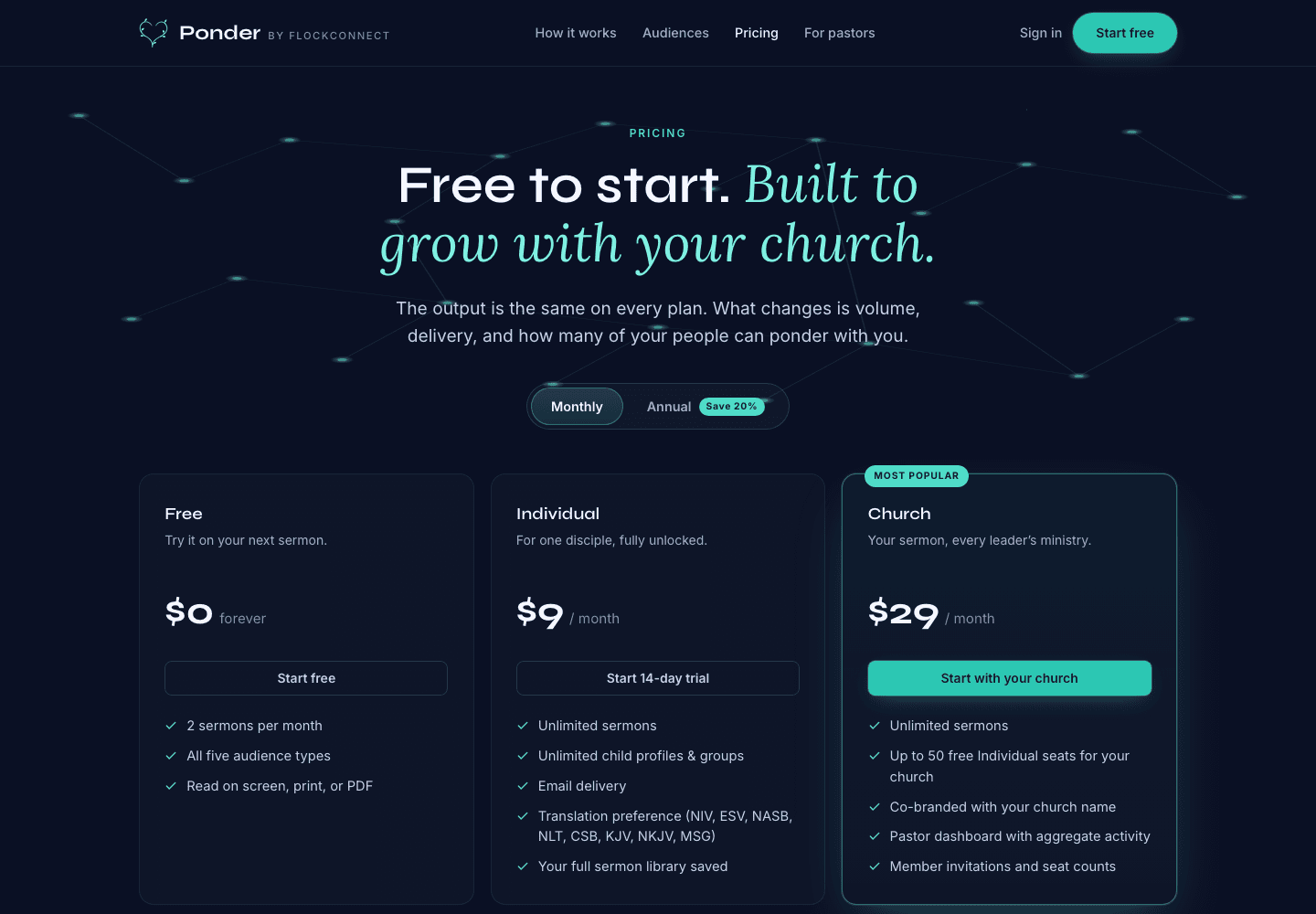
Ponder actual pricing screen showing Free, Individual, and Church plans.
Pick the right plan

Actual pricing screen showing the free start, individual plan, and church plan.

Related articles

Review before using an AI-assisted draft · Ponder