Ponder/Help/Invite leaders on a Church plan
For pastors

Invite leaders on a Church plan

How pastors and ministry leaders can invite group leaders, kids teachers, youth leaders, and volunteers.

A Church plan exists so leaders can use Ponder without each person managing a separate paid account. It works best when pastors invite the people who already carry the sermon into ordinary ministry settings.

Who to invite

Invite the people who actually carry the sermon into the week: group leaders, kids teachers, youth volunteers, ministry directors, and parents who lead discipleship rhythms.

  • Small group leaders who need discussion guides.
  • Children's educators who prepare classroom lessons.
  • Youth leaders and volunteers who teach students.
  • Ministry leaders who equip volunteers through the week.

What to tell them

Ask each leader to generate for their own setting and review the draft before using it. Ponder is not a broadcast engine and not a pastor-push distribution flow.

A simple rollout note

Give leaders a short expectation before they start: Ponder creates a reviewed first draft from a sermon, and the leader remains responsible for what they teach, print, share, or pray.

  1. Invite the leader under the Church plan.
  2. Ask them to start with one sermon and one audience.
  3. Point them to the review-before-using article.
  4. Have them bring feedback from their first real use.

A Church plan equips leaders to pull what they need. It does not turn Ponder into a congregation broadcast system.
Frequently asked questions

Who pays for Church plan seats?

The Church plan sponsor manages the subscription, while invited leaders can use Ponder under that church account.

Review before using.

Ponder support articles describe the intended workflow. Generated output still needs human review before teaching, sharing, or using it with a child, student, group, or church.

Screens from the app

Connect this article to the real product.

These actual screenshots show the onboarding, help, and pricing screens a user may see while following support guidance.

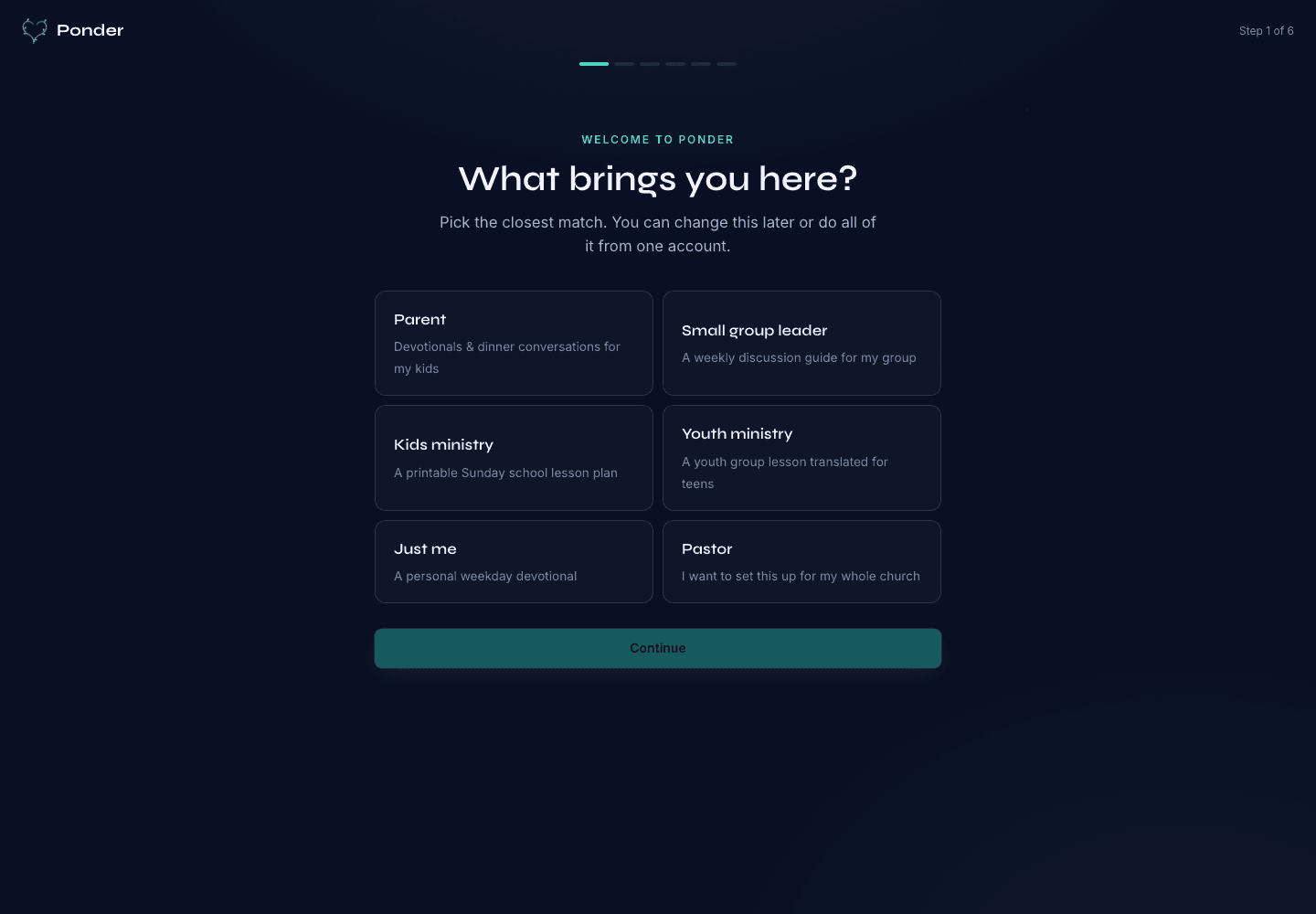
Ponder actual onboarding screen showing persona choices for parents, group leaders, kids ministry, youth ministry, individuals, and pastors.
Choose the setting

Actual onboarding screen where a user starts by naming the discipleship setting.

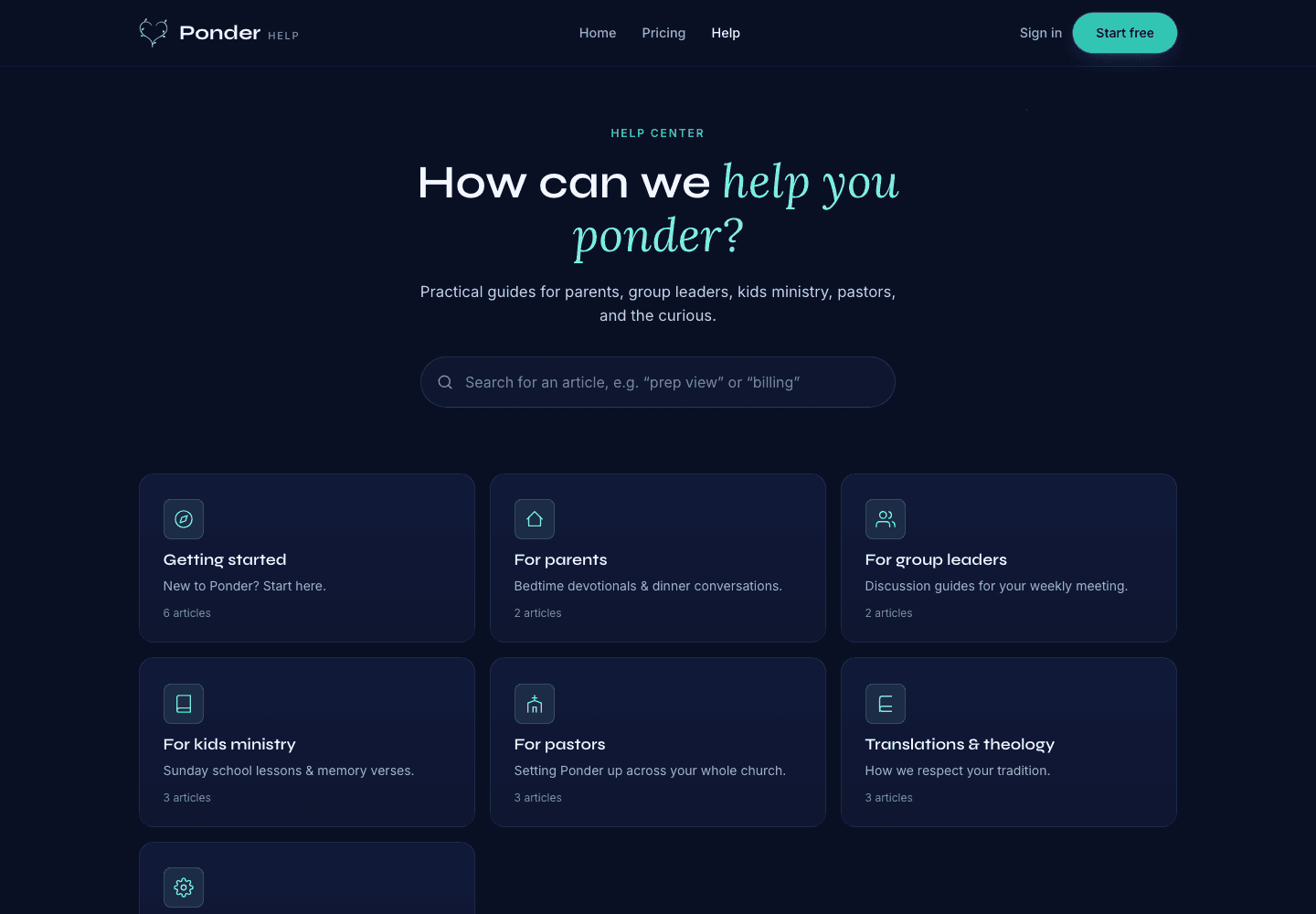
Ponder actual help center screen showing searchable support categories for parents, group leaders, kids ministry, pastors, and theology.
Find practical help

Actual help center screen with searchable support before and after a first sermon.

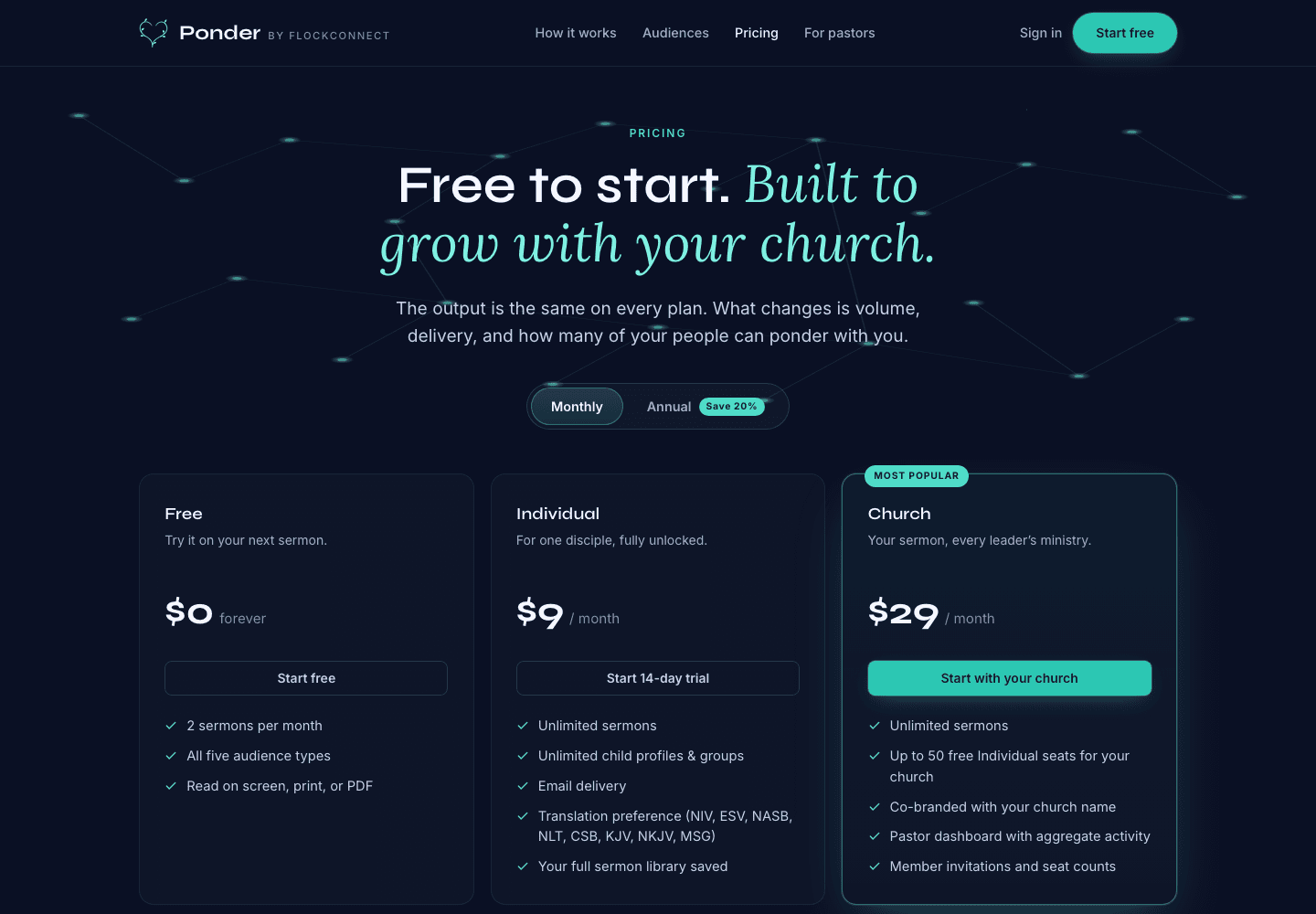
Ponder actual pricing screen showing Free, Individual, and Church plans.
Pick the right plan

Actual pricing screen showing the free start, individual plan, and church plan.

Related articles

Invite leaders on a Church plan · Ponder