Ponder/Inputs/Sermon Manuscript To Discipleship Resources
Manuscript input

Turn a sermon manuscript into discipleship resources.

To turn a sermon manuscript to discipleship resources, paste the manuscript or transcript, choose the audience, then review the draft before teaching, sharing, or using it.

A manuscript or transcript gives Ponder the cleanest source text. It works well when you want sermon transcript to Bible study questions, a family devotional, a classroom lesson, youth discussion, or personal devotional without relying on sermon prep tools.

How it works

Step 1

Paste the manuscript or transcript

Start with a sermon manuscript, transcript, or sermon notes for a sermon you have the right to use.

Step 2

Name the intended audience

Choose Parent, Group Leader, Children's Educator, Youth Educator, or Individual so Ponder knows whether to draft a devotional, guide, classroom lesson, student lesson, or personal reflection.

Step 3

Draft from the sermon

Ponder uses the manuscript to create sermon-shaped resources. It does not write a new sermon or turn the text into social posts.

Step 4

Review before using

Human review checks Scripture, doctrine, tone, sensitivity, and whether the draft faithfully follows the sermon.

Best for

  • A sermon manuscript, transcript, or cleaned-up sermon notes you have the right to use.
  • A pastor or ministry leader equipping others after the sermon without creating a separate pastor-facing output type.
  • A lay disciple who wants sermon notes to personal devotional help.
  • A teacher or group leader who wants direct control over the source text.

What it can become

  • Sermon transcript to Bible study questions for group discussion.
  • Sermon transcript to devotional for family or individual use.
  • Sermon manuscript to small group guide for a lay leader.
  • Sermon transcript to Sunday school lesson for a Children's Educator.
  • Sermon notes to personal devotional for an Individual.

Responsible-use boundaries

  • Ponder is not AI sermon writing. It starts after a sermon already exists.
  • Ponder is not sermon clips, not sermon slides, and not social media posts.
  • Ponder is pull-based. A user brings one sermon into one discipleship context instead of publishing outward or broadcasting to a congregation.
  • Human review remains required before teaching, sharing, printing, emailing, or using an output with another person.
  • Use only a sermon you have the right to use.
  • Vimeo, Apple Podcasts, and Spotify are not v1 inputs. For v1, use a YouTube URL, audio file, or manuscript.
Actual Ponder app screenshots

See the app this input opens into.

These screenshots show the actual app experience behind this input method: onboarding, help, and pricing.
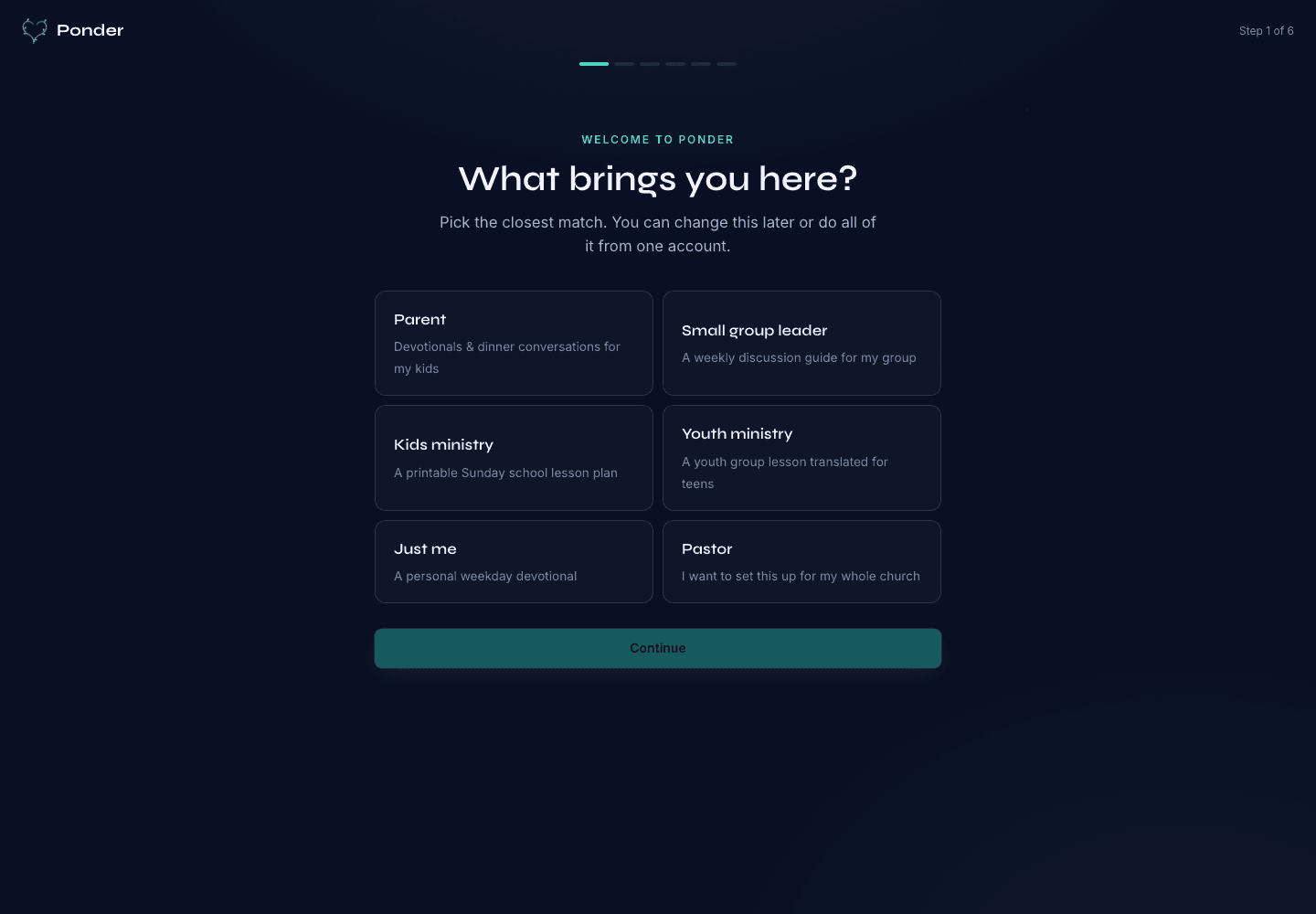
Ponder actual onboarding screen showing persona choices for parents, group leaders, kids ministry, youth ministry, individuals, and pastors.
Choose the setting

Actual onboarding screen where a user starts by naming the discipleship setting.
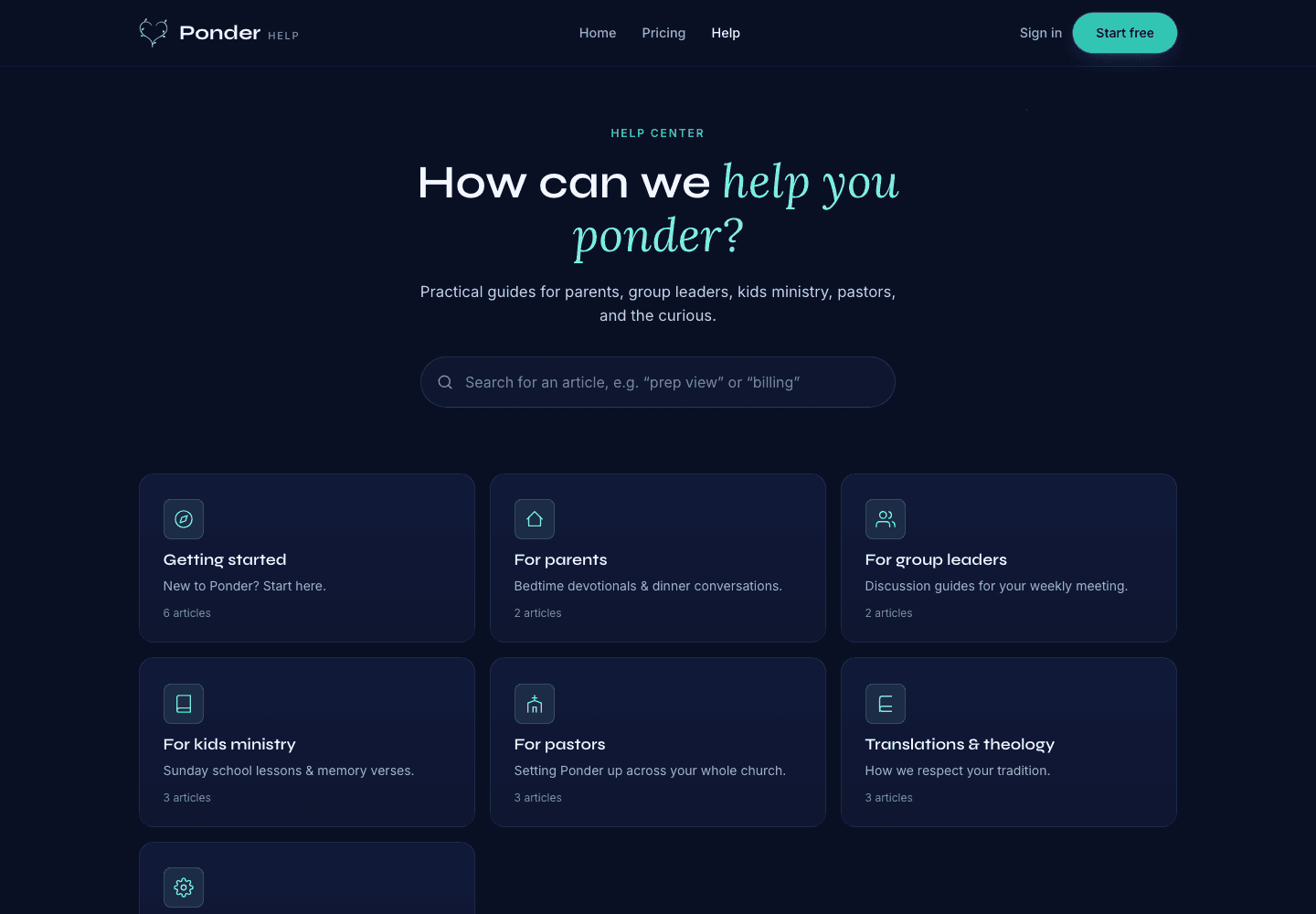
Ponder actual help center screen showing searchable support categories for parents, group leaders, kids ministry, pastors, and theology.
Find practical help

Actual help center screen with searchable support before and after a first sermon.
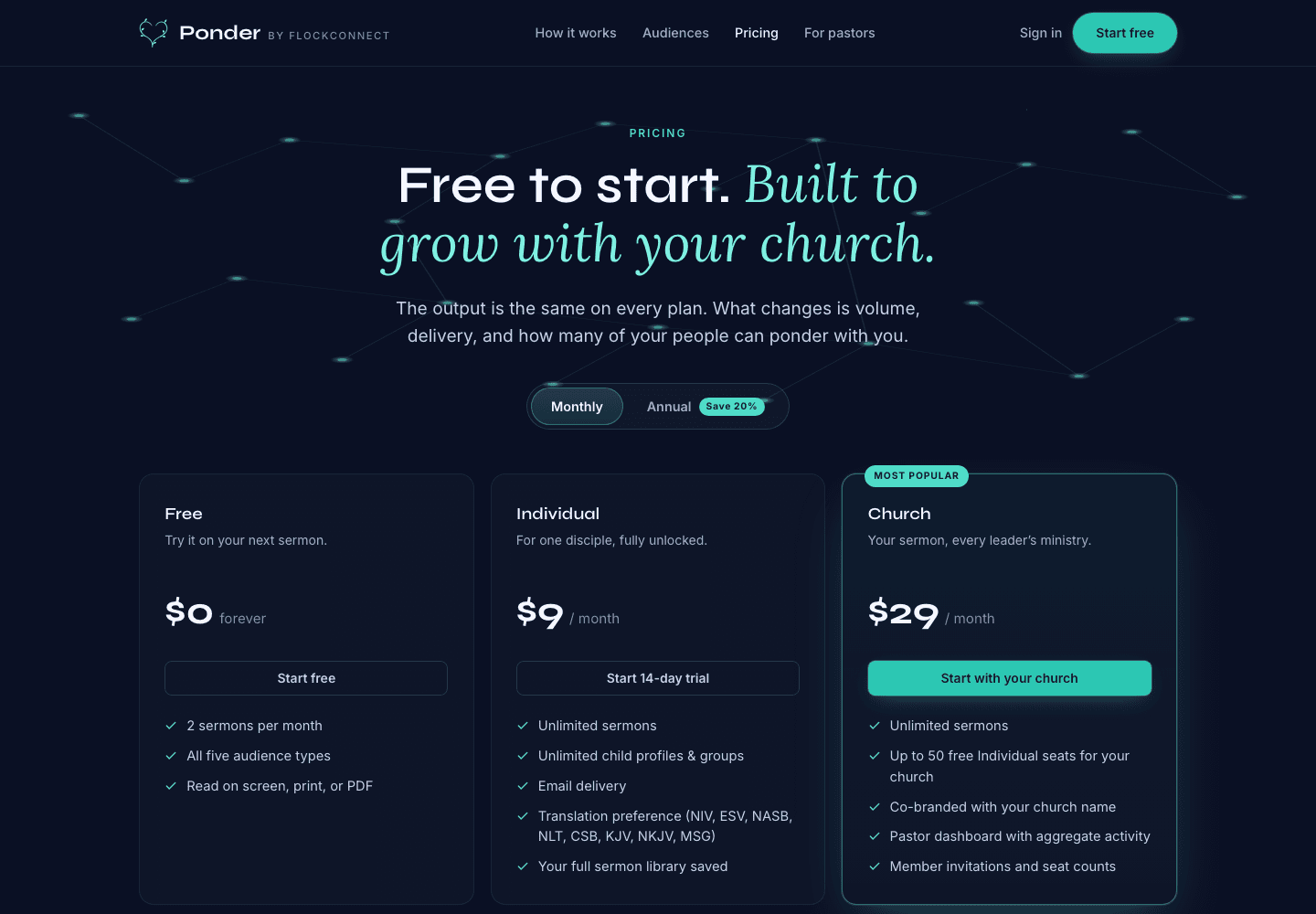
Ponder actual pricing screen showing Free, Individual, and Church plans.
Pick the right plan

Actual pricing screen showing the free start, individual plan, and church plan.

Common questions

Can Ponder use a sermon transcript?

Yes. Paste a sermon manuscript, transcript, or notes, then choose the audience and review the result.

Is a sermon manuscript page an AI sermon writing feature?

No. Ponder starts with an existing sermon manuscript and creates discipleship drafts after the sermon exists.

Bring the next sermon in.

Use a YouTube URL, audio file, or manuscript for a sermon you have the right to use, then review the draft before using it.

Sermon Manuscript To Discipleship Resources · Ponder