Bring the sermon in the form you already have.
Ponder supports the V1 sermon sources that matter most: a YouTube URL, an audio file, or a sermon manuscript. Each input path turns a sermon you have the right to use into reviewed, pull-based discipleship resources for Parent, Group Leader, Children's Educator, Youth Educator, and Individual use. Ponder is not AI sermon writing, not sermon clips, not sermon slides, and not social media posts.
YouTube Sermon To Discipleship Resources
To turn a YouTube sermon to devotional or guide, paste the YouTube URL, choose Parent, Group Leader, Children's Educator, Youth Educator, or Individual, then review the draft before using it.
YouTube URLAudio Sermon To Discipleship Resources
To turn an audio sermon to devotional or discussion guide, upload the audio file, choose the audience, then review the sermon-shaped draft before using it.
audio fileSermon Manuscript To Discipleship Resources
To turn a sermon manuscript to discipleship resources, paste the manuscript or transcript, choose the audience, then review the draft before teaching, sharing, or using it.
sermon manuscriptSee the app after choosing an input.
These actual app screenshots help visitors understand the first screens, support center, and plan options before they bring a sermon.
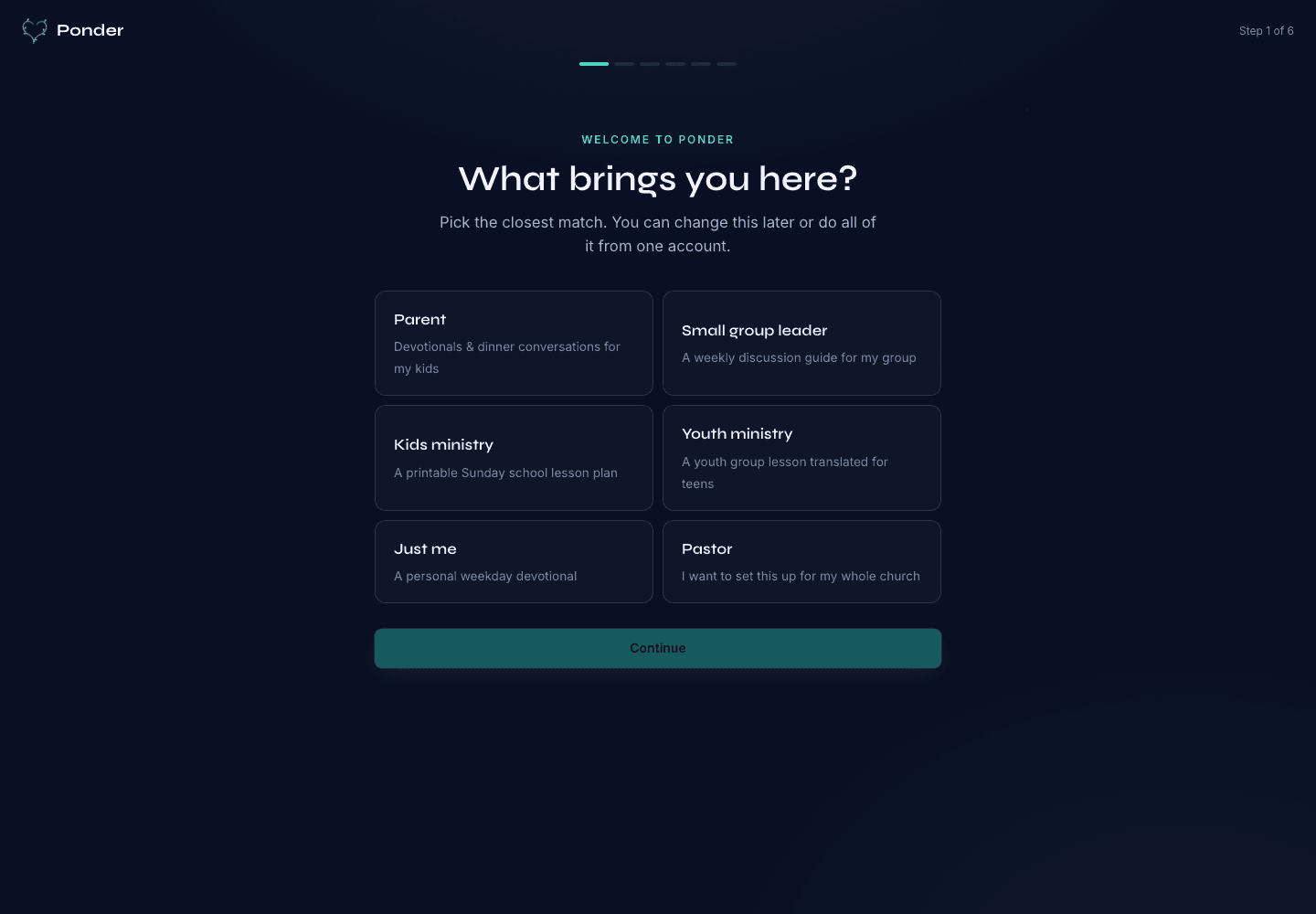
Actual onboarding screen where a user starts by naming the discipleship setting.
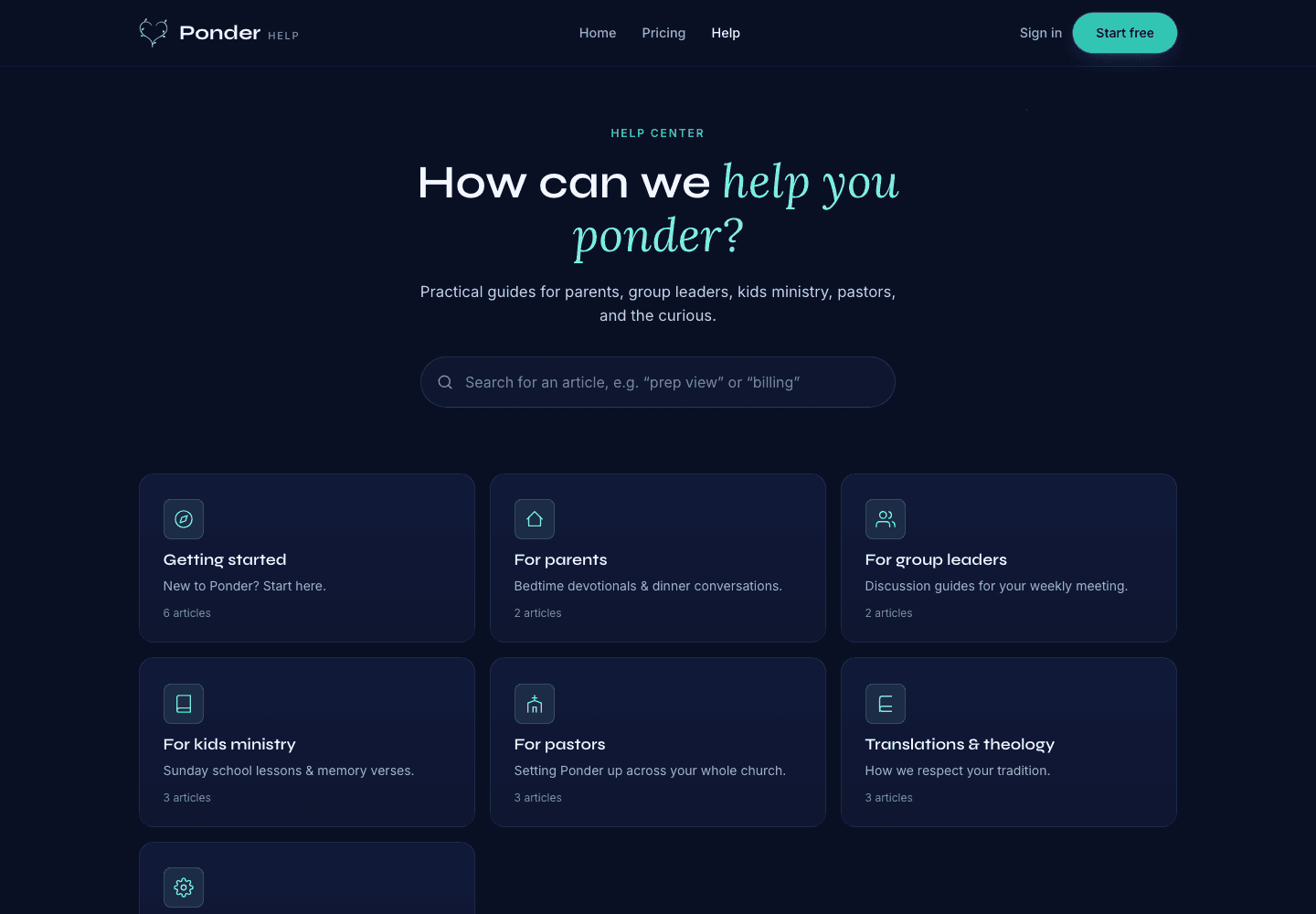
Actual help center screen with searchable support before and after a first sermon.
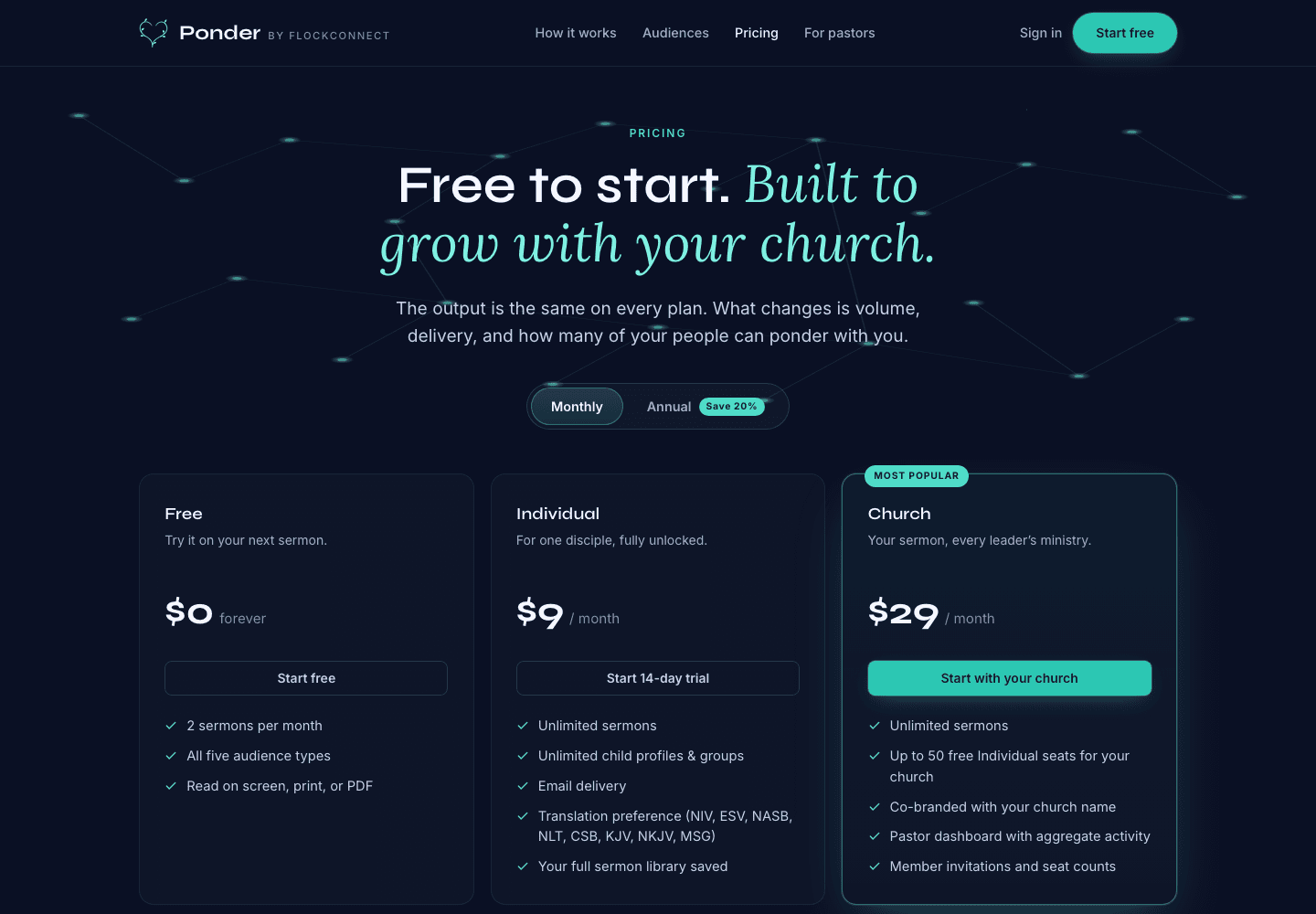
Actual pricing screen showing the free start, individual plan, and church plan.
V1 input boundary
Vimeo, Apple Podcasts, and Spotify are not V1 inputs. For launch, use a YouTube URL, audio file, or manuscript, then review the output before teaching, sharing, printing, emailing, or using it with another person.