Turn one sermon into the exact discipleship resource you need.
These workflow pages answer the search behind every practical job: turn sermon into family devotional, turn sermon into small group discussion guide, turn sermon into Sunday school lesson, turn sermon into youth ministry lesson, and turn sermon into personal devotional. Each path starts with a YouTube URL, audio file, or manuscript for a sermon you have the right to use. Each stays pull-based, not AI sermon writing, and ends with human review.
Turn Sermon Into Family Devotional
To turn sermon into family devotional, bring one sermon, choose the Parent audience, let Ponder draft age-aware family moments, then review before using it with children.
Turn Sermon Into Small Group Discussion Guide
To turn sermon into small group discussion guide, bring one sermon, choose the Group Leader audience, draft a question flow, then review before using it with the group.
Turn Sermon Into Sunday School Lesson
To turn sermon into Sunday school lesson, bring one sermon, choose Children's Educator, draft a classroom lesson, then review before using it with children.
Turn Sermon Into Youth Ministry Lesson
To turn sermon into youth ministry lesson, bring one sermon, choose Youth Educator, draft a student discussion lesson, then review before using it with teens.
Turn Sermon Into Personal Devotional
To turn sermon into personal devotional, bring one sermon, choose Individual, draft reflection and prayer, then review before using it in your own walk.
See the app behind the workflows.
These screenshots show the actual path a visitor meets after choosing a sermon-to-week workflow: onboarding, help, and pricing.
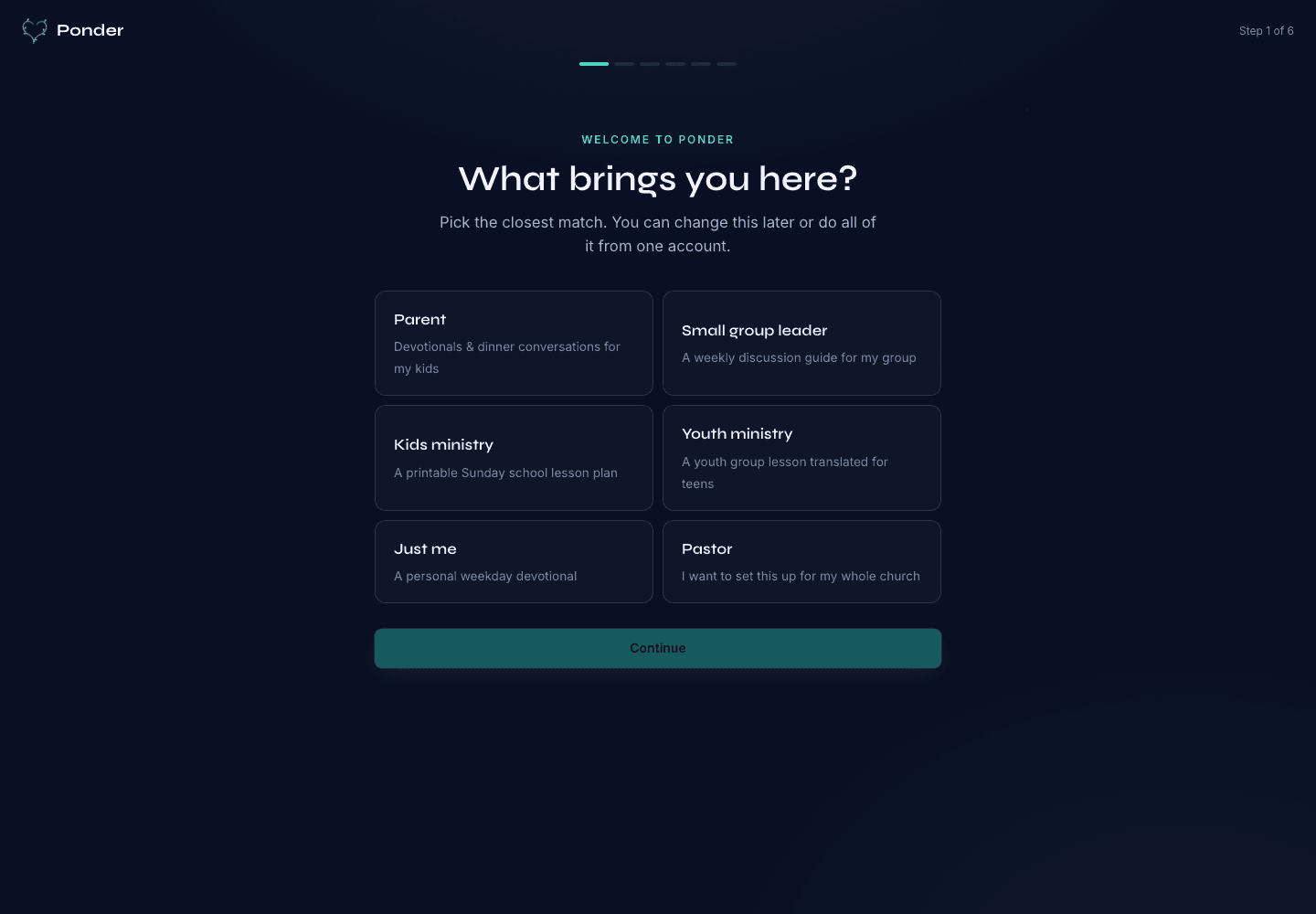
Actual onboarding screen where a user starts by naming the discipleship setting.
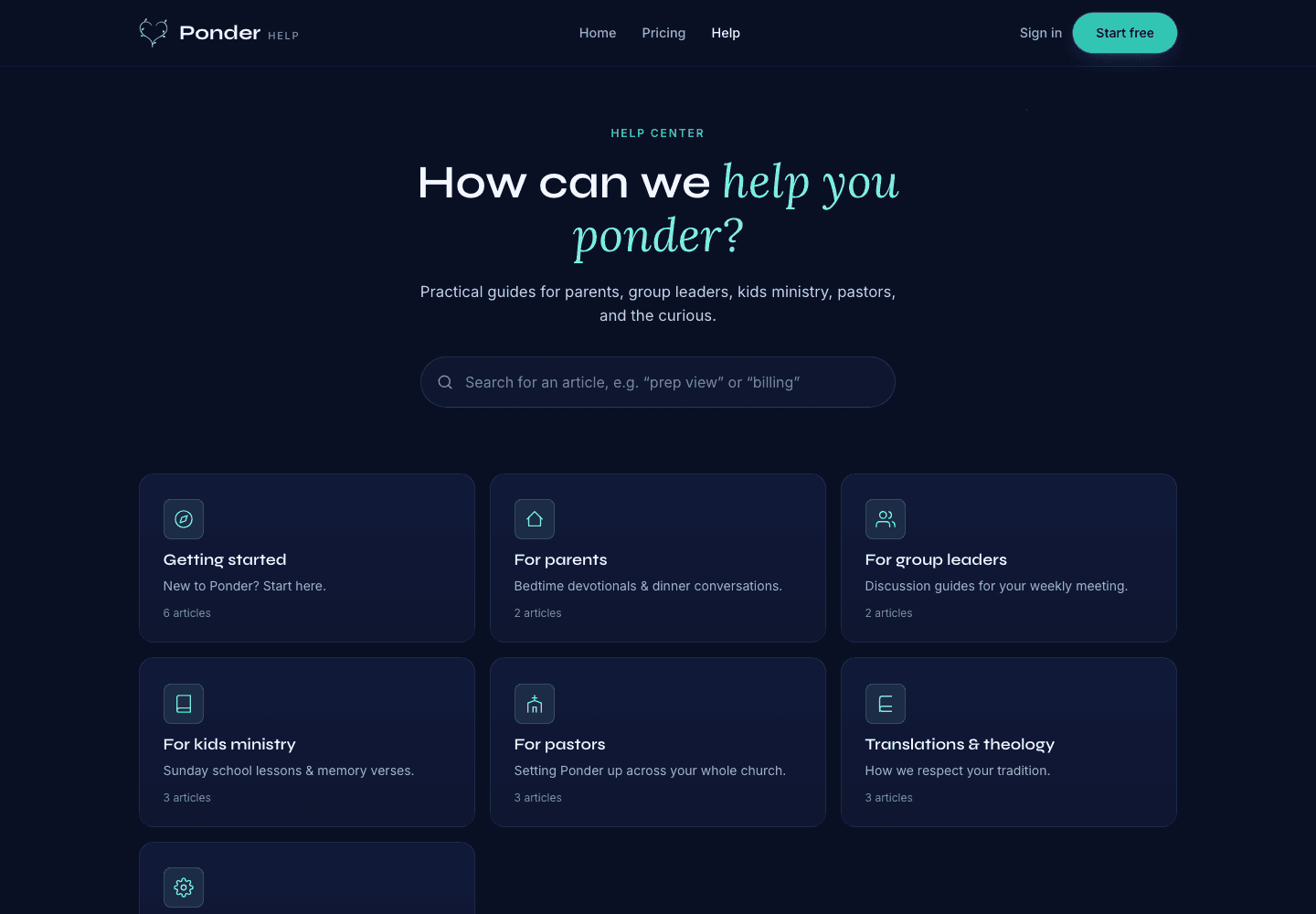
Actual help center screen with searchable support before and after a first sermon.
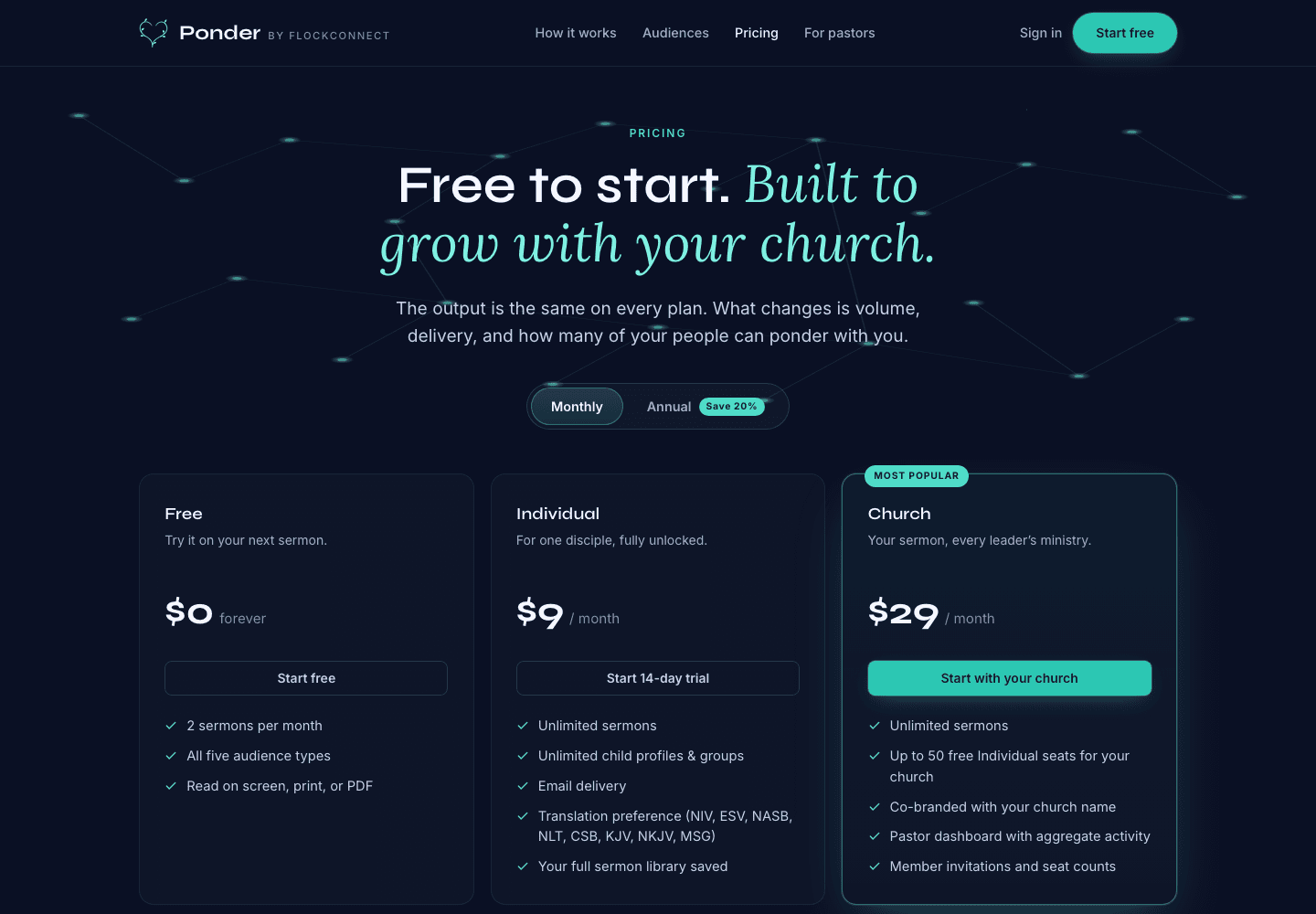
Actual pricing screen showing the free start, individual plan, and church plan.
The shared method
Bring one sermon. Choose one audience. Review before using. Carry it into the week. That is the practical shape behind every Ponder workflow.