Ponder/Help/Use a YouTube URL, audio file, or manuscript
Getting started

Use a YouTube URL, audio file, or manuscript

Which sermon input to choose, what works best, and what to do when a transcript is not available.

Ponder can start from a YouTube URL, an audio file, or a pasted manuscript. Choose the source that gives the clearest picture of what was actually preached.

When to use each input

Use a YouTube URL when the sermon is already public. Ponder tries captions first, then transcribes the audio when captions are missing. Use an audio file when you have the recording. Use a manuscript when you want the cleanest source text.

  • YouTube URL: fastest when captions are available, still supported through audio transcription when captions are missing.
  • Audio file: useful for private recordings, staff recordings, or sermons not posted online.
  • Manuscript: best for accuracy when you already have the written sermon.

When transcription needs review

Audio and video transcription can miss names, references, repeated phrases, or a preacher's aside. Read the resulting output with that in mind, especially when scripture references or pastoral details matter.

How to improve the source

If the first draft feels thin, the input may not have contained enough sermon context. Add the passage, manuscript notes, or a clearer recording, then try again before judging the whole workflow.

  1. Start with the cleanest source you have.
  2. Check that the passage and main idea are present.
  3. Avoid uploading unrelated announcements or long music sections when possible.
  4. Review the final draft as if the transcript might have missed a word.

A strong source helps Ponder stay derivative. The sermon remains the source, not the AI model.
Frequently asked questions

What should I do if a YouTube intake fails?

Ponder already tries captions and audio transcription. If YouTube blocks the video or our server cannot access it, upload the audio file or paste a manuscript. If you still have trouble, contact support with the sermon source and the account email.

Review before using.

Ponder support articles describe the intended workflow. Generated output still needs human review before teaching, sharing, or using it with a child, student, group, or church.

Screens from the app

Connect this article to the real product.

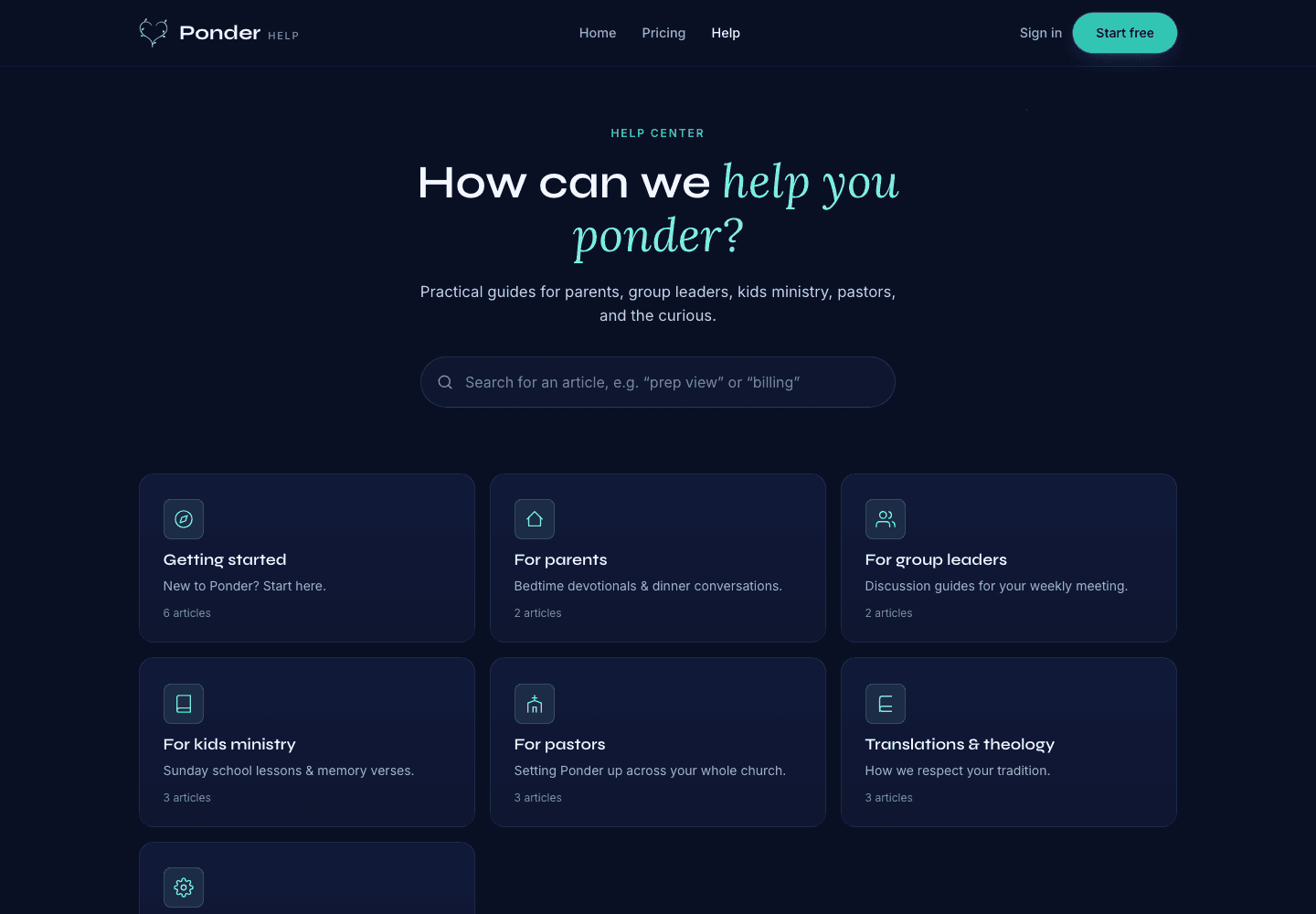
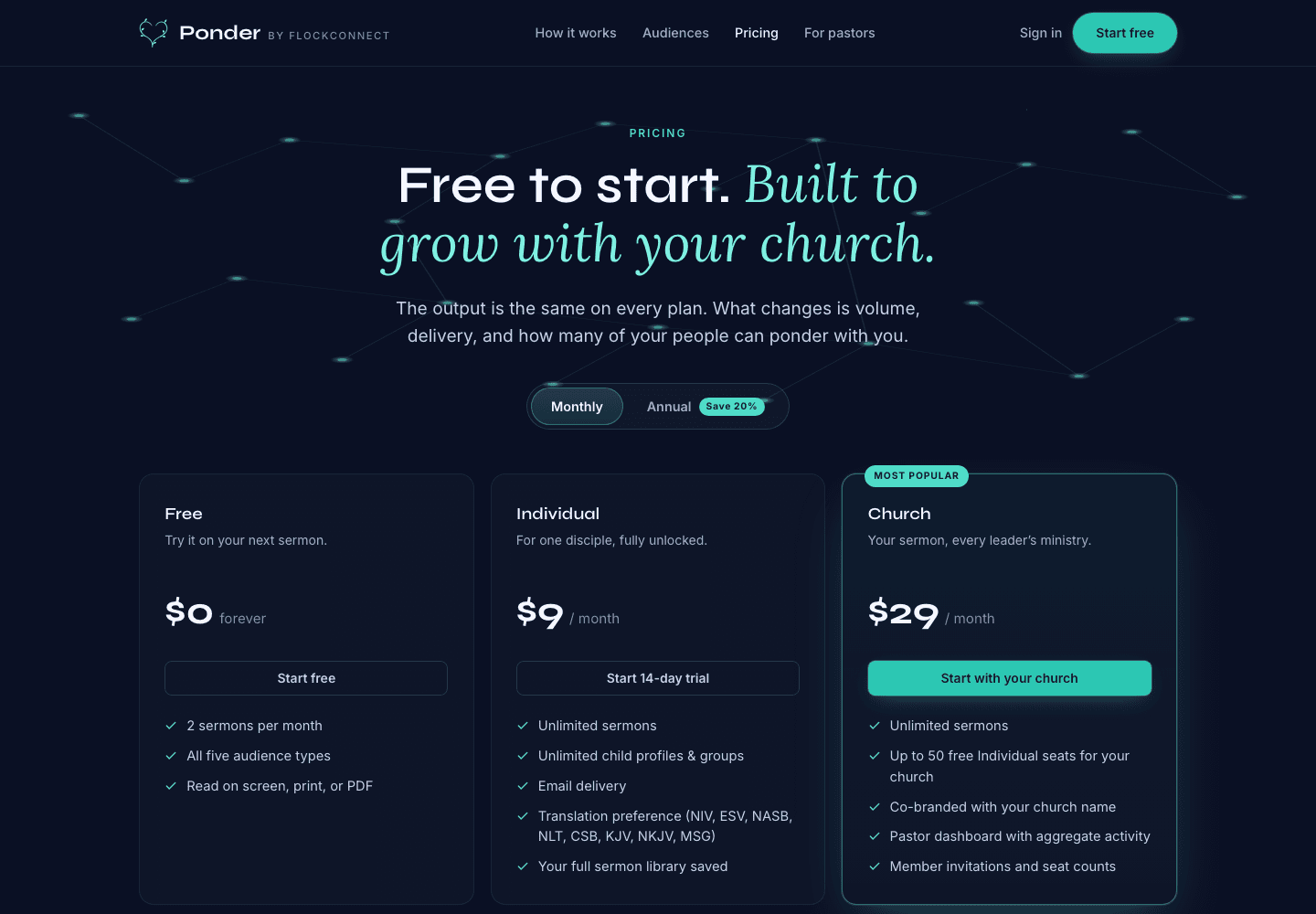
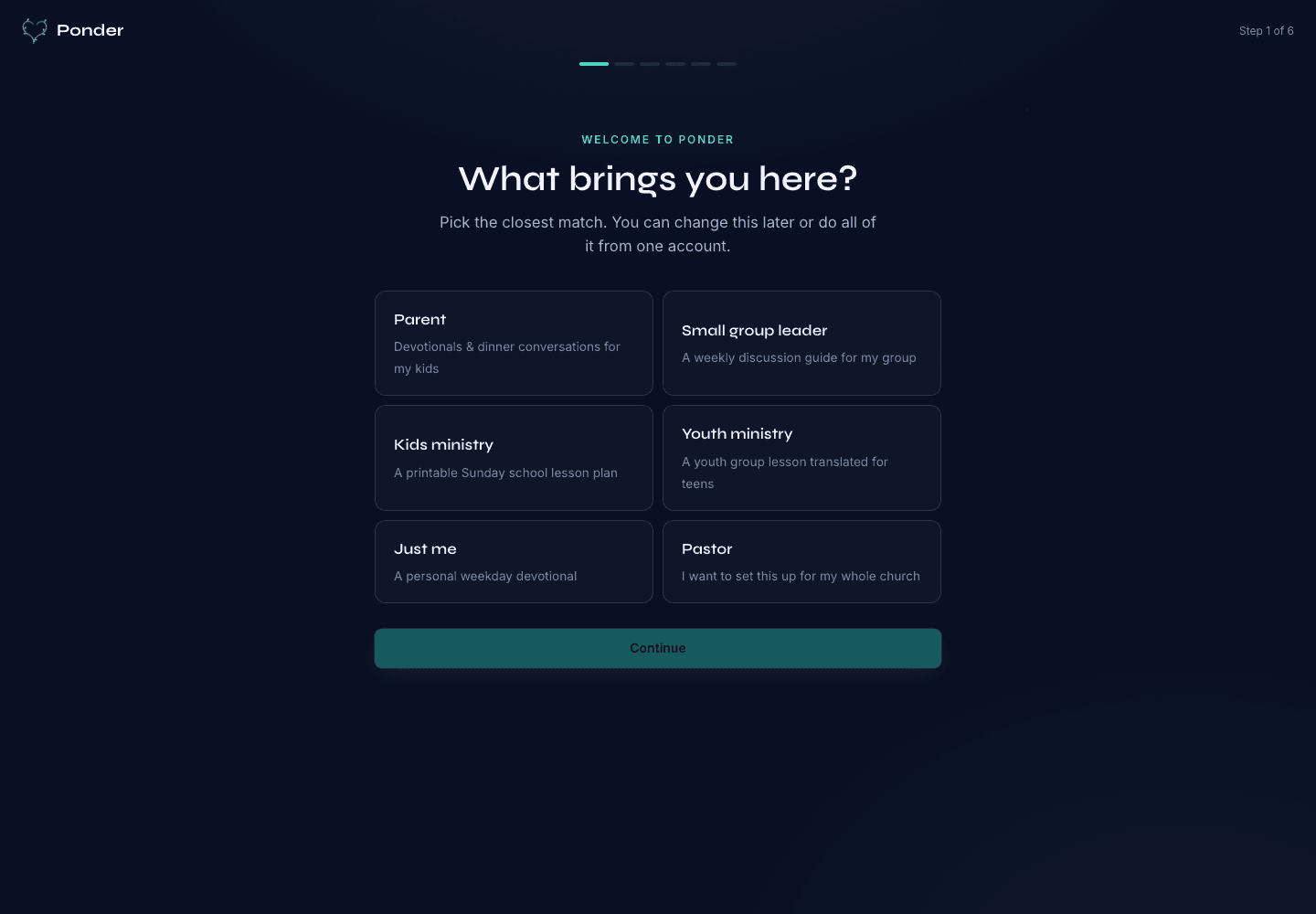
These actual screenshots show the onboarding, help, and pricing screens a user may see while following support guidance.

Ponder actual onboarding screen showing persona choices for parents, group leaders, kids ministry, youth ministry, individuals, and pastors.
Choose the setting

Actual onboarding screen where a user starts by naming the discipleship setting.

Ponder actual help center screen showing searchable support categories for parents, group leaders, kids ministry, pastors, and theology.
Find practical help

Actual help center screen with searchable support before and after a first sermon.

Ponder actual pricing screen showing Free, Individual, and Church plans.
Pick the right plan

Actual pricing screen showing the free start, individual plan, and church plan.

Related articles

Use a YouTube URL, audio file, or manuscript · Ponder