Ponder/Help/Pondering your first sermon
Getting started

Pondering your first sermon

A 5-minute walkthrough of generating your first output, end to end.

Start with a sermon you already trust: a manuscript, a YouTube URL, or an audio file. Your first run should be simple enough that you can judge the output clearly.

Bring the sermon in

Paste the manuscript, paste a YouTube URL, or upload the audio file. If you paste text, include enough of the sermon for Ponder to follow the preacher's argument, examples, passage, and call to response.

  • Avoid combining two sermons in one first run.
  • Include the Scripture passage if the manuscript does not name it clearly.
  • Use the best audio you have if you are uploading a file.

Choose and review

Choose the audience you are serving this week. When the output is ready, read it before teaching or sharing it, check scripture references, and adapt it to your context.

A good first output

For a first test, choose the audience where you can evaluate the draft fastest. Parents often start with one child. Group leaders often start with the next meeting. Individuals often start with a five-day devotional rhythm.

  1. Read the first paragraph and ask whether it follows the sermon.
  2. Check every Scripture reference before you rely on it.
  3. Delete lines that sound too generic for your people.
  4. Save the draft in your library only after the review pass.

The first sermon is a trust check. Slow down, review the draft, and let Ponder earn its place in your weekly rhythm.
Frequently asked questions

Can I use any sermon?

Use a sermon you have the right to use. Ponder can work from your own pastor's sermon, your own manuscript, or another sermon you are allowed to submit.

Review before using.

Ponder support articles describe the intended workflow. Generated output still needs human review before teaching, sharing, or using it with a child, student, group, or church.

Screens from the app

Connect this article to the real product.

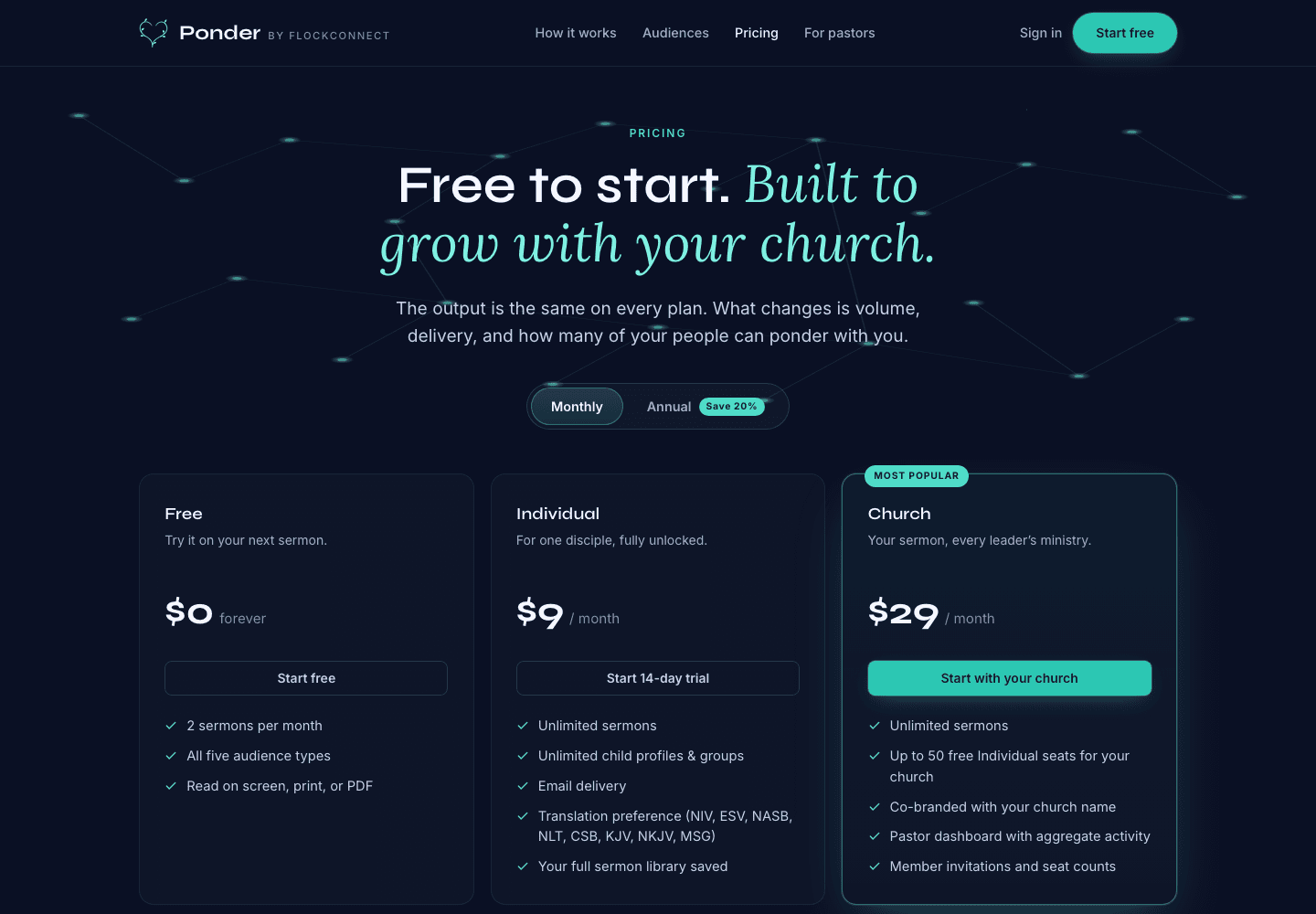
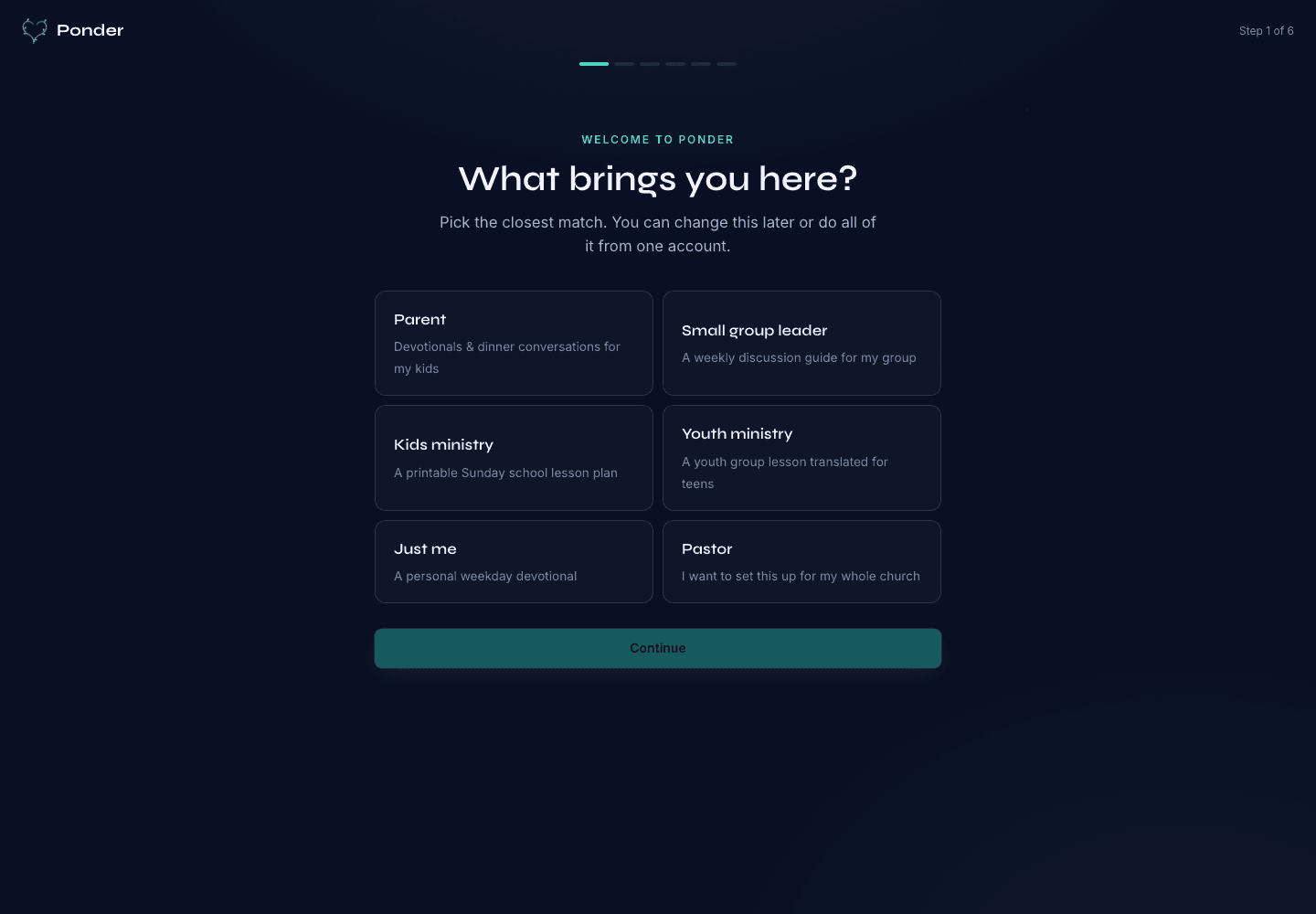
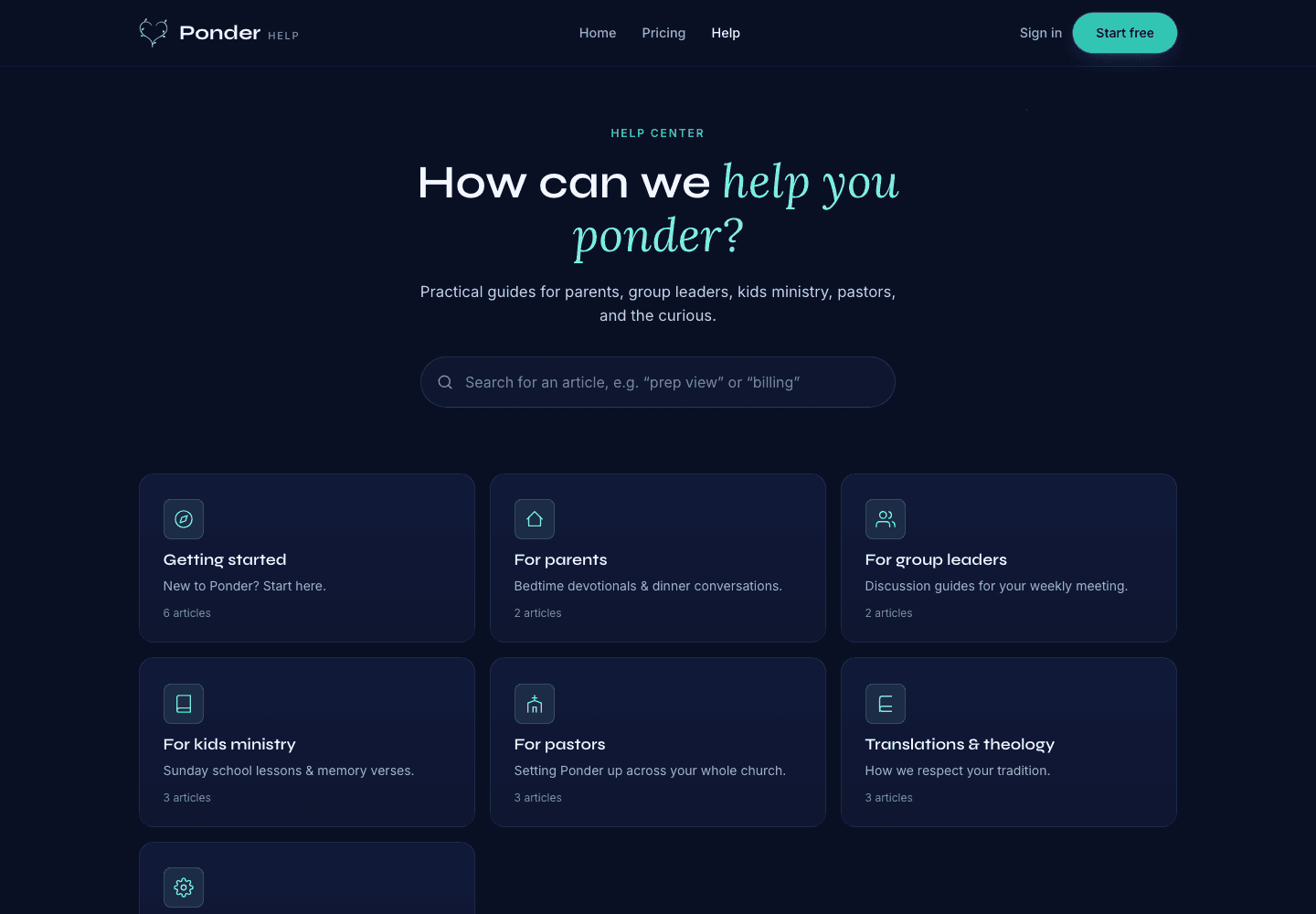
These actual screenshots show the onboarding, help, and pricing screens a user may see while following support guidance.

Ponder actual onboarding screen showing persona choices for parents, group leaders, kids ministry, youth ministry, individuals, and pastors.
Choose the setting

Actual onboarding screen where a user starts by naming the discipleship setting.

Ponder actual help center screen showing searchable support categories for parents, group leaders, kids ministry, pastors, and theology.
Find practical help

Actual help center screen with searchable support before and after a first sermon.

Ponder actual pricing screen showing Free, Individual, and Church plans.
Pick the right plan

Actual pricing screen showing the free start, individual plan, and church plan.

Related articles

Pondering your first sermon · Ponder