Ponder turns a single sermon into a week of personalized discipleship for the people you actually care for. It starts after the sermon exists, which keeps the tool in sermon discipleship instead of sermon writing.
What you bring
Bring a sermon you have the right to use. You can paste a YouTube URL, upload an audio file, or paste a manuscript. The cleaner the source, the easier it is for Ponder to follow the passage and the preacher's burden.
- Use a manuscript when you have one and want the cleanest source.
- Use audio when you have a recording but no transcript.
- Use a YouTube URL when the sermon is public and captions are turned on. If captions are disabled, turn them on in YouTube (or ask the video owner to) or paste a manuscript.
What Ponder creates
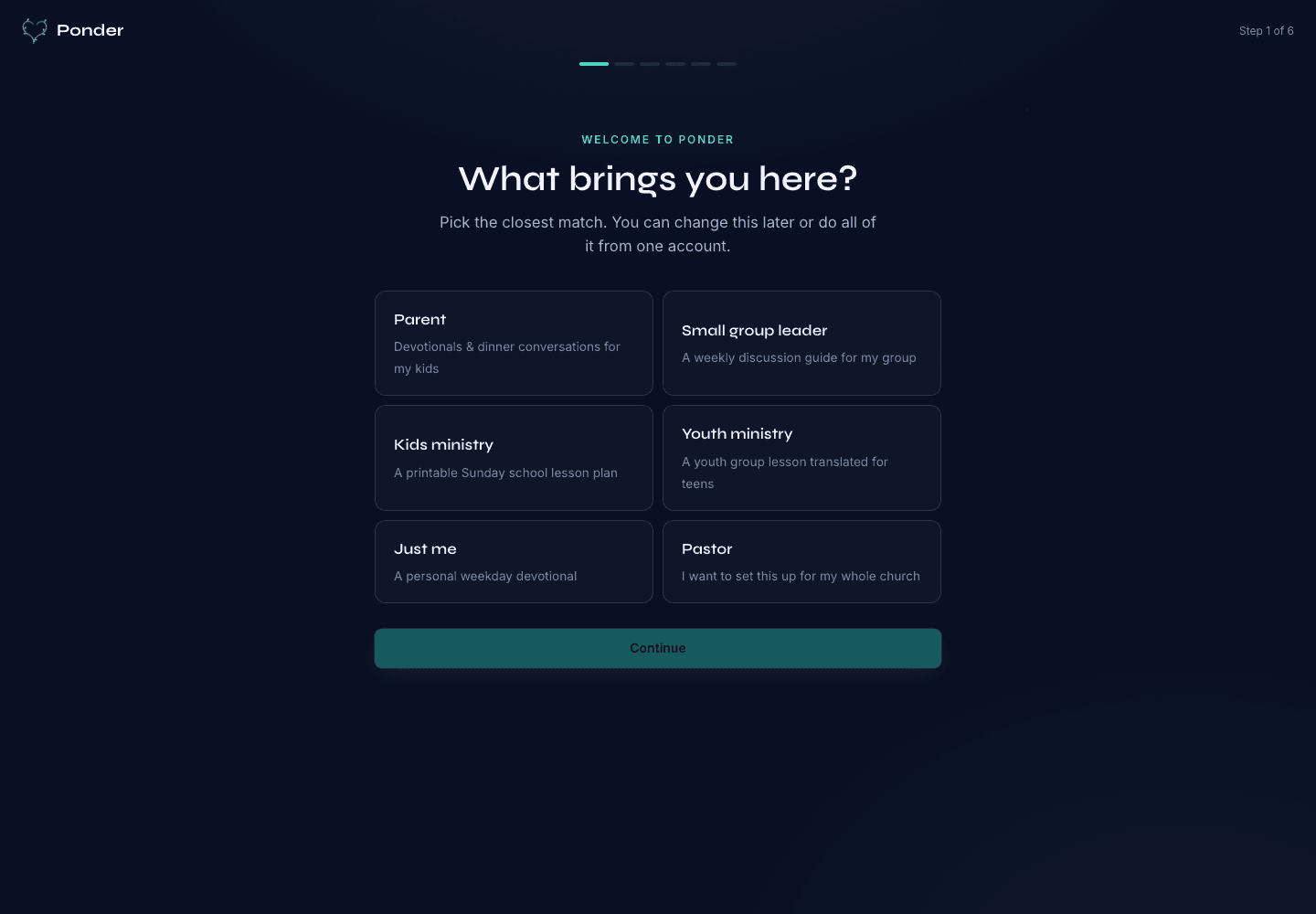
Ponder creates audience-specific drafts for parents, group leaders, children's educators, youth educators, and individuals. Each output is meant to be reviewed, adapted, and used in a real setting by the adult or leader responsible for that context.
What stays human
Human judgment stays central. Ponder can organize a draft, but it cannot know every pastoral sensitivity, every classroom dynamic, every child, or every small group history.
- Check that the draft follows the sermon.
- Confirm Scripture references and translation attribution.
- Remove anything that does not fit your people.
- Use the draft only after you are willing to own it as the adult or leader in the room.
Ponder is pull-based. It does not push content to a congregation or replace the person responsible for discipleship.