Get started with Ponder by bringing one sermon you have the right to use, choosing the audience you are serving this week, and reviewing the draft before using it with another person.
Before you start
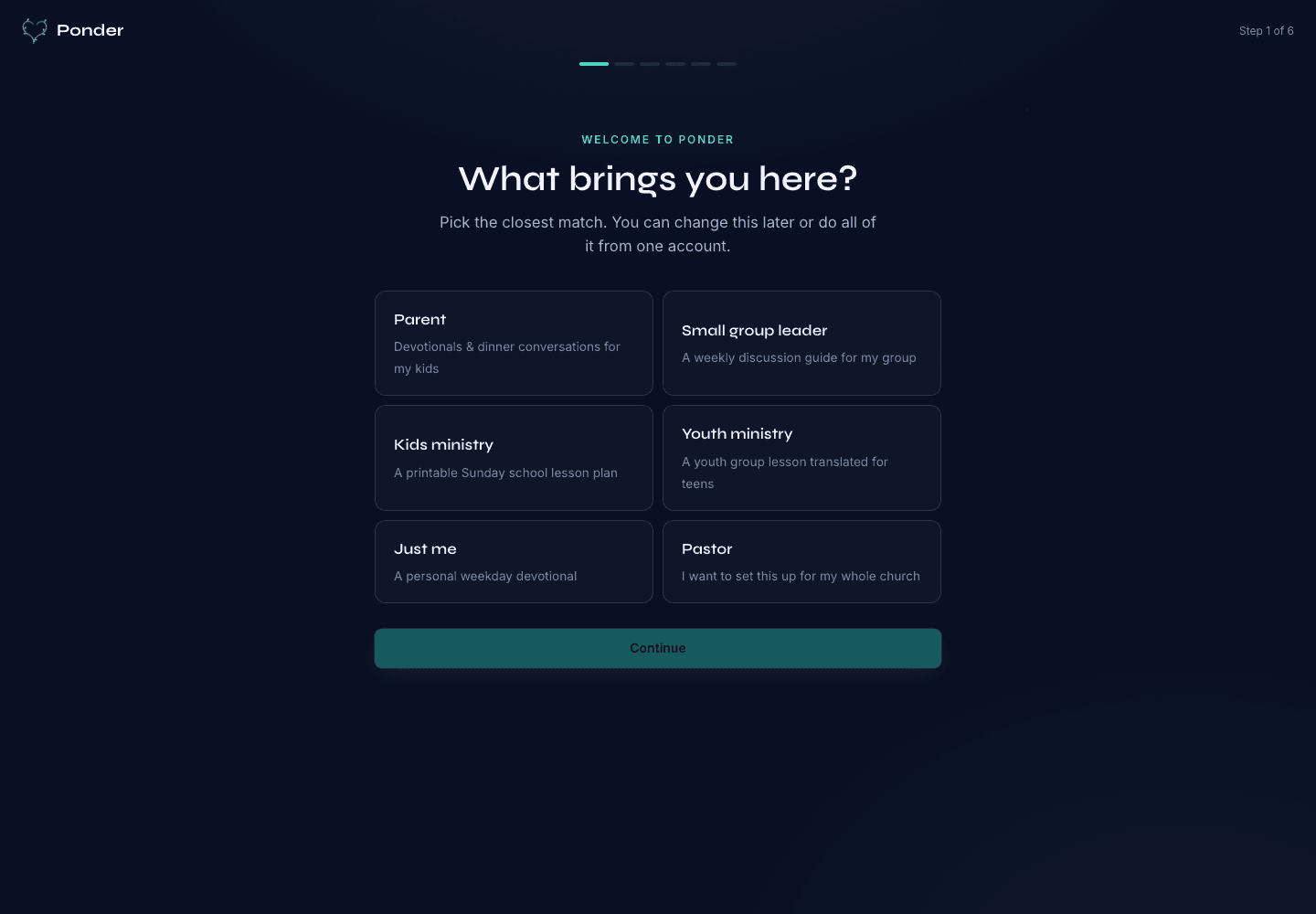
Create your account, choose your preferred Bible translation and tradition settings, and decide who needs help this week: a child, a small group, a kids classroom, a youth group, or your own soul.
- Have the sermon source ready: a YouTube URL, audio file, or manuscript.
- Use a sermon you have the right to submit and review.
- Know the audience before you start: Parent, Group Leader, Children's Educator, Youth Educator, or Individual.
Step 1: bring a sermon
Bring one sermon, not a whole series. Ponder works best when it can follow the passage, the preacher's main claim, and the concrete application from that specific message.
Step 2: choose the right audience
Choose Parent, Group Leader, Children's Educator, Youth Educator, or Individual. The audience shapes the format, questions, examples, prayer, and weekly rhythm.
- Create your account and set your default translation and tradition.
- Bring one sermon through a YouTube URL, audio file, or manuscript.
- Choose one audience for the first draft.
- Review the whole draft for Scripture, doctrine, tone, age fit, and local context.
- Carry it into the week through a PDF, library item, conversation, class, meeting, or personal devotional rhythm.
Step 3: review before using
Read the whole draft. Check scripture references, doctrine, tone, age fit, sensitive examples, and local context before using it with another person.
Step 4: carry it into the week
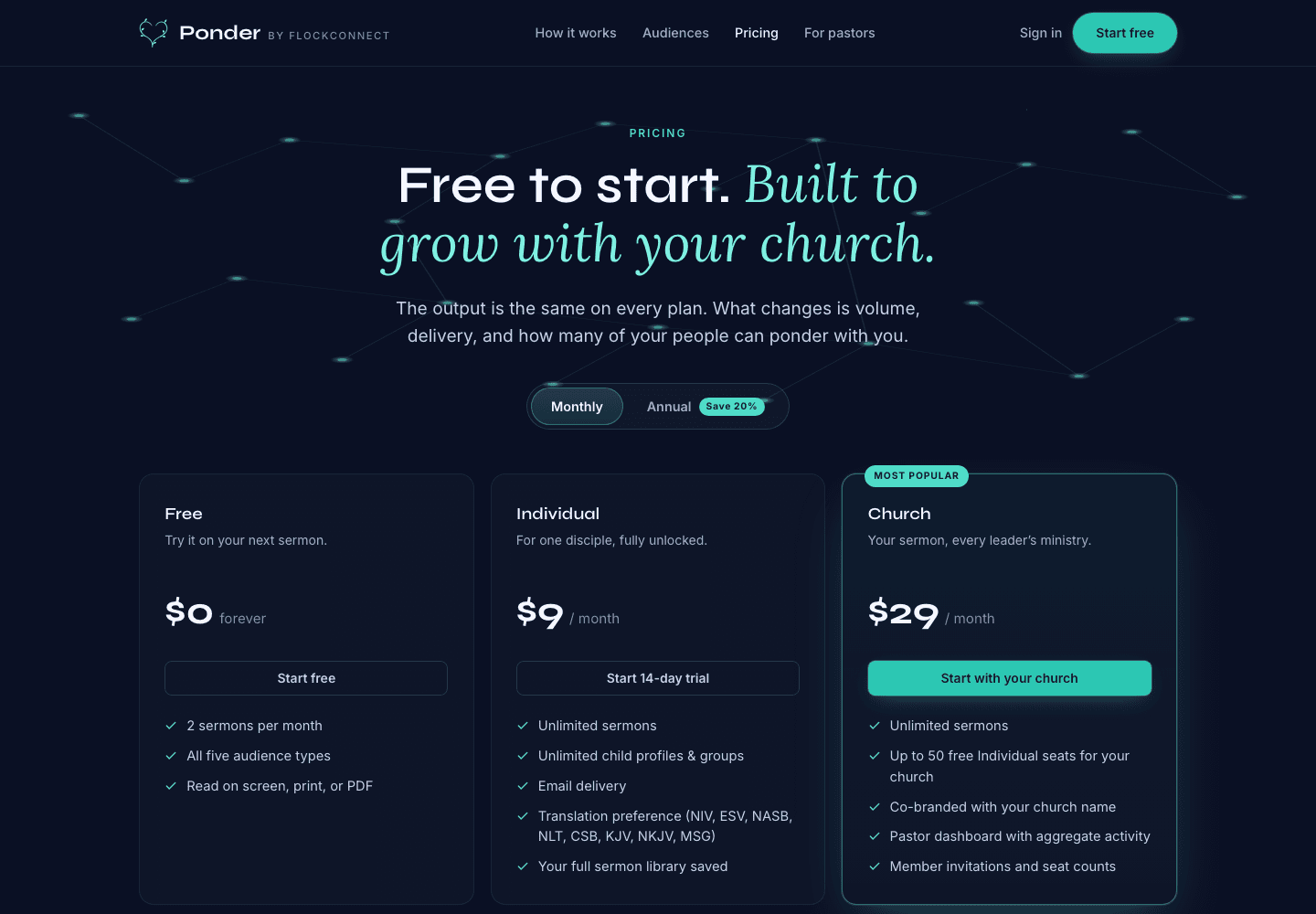
Read it on screen, export the PDF, print the guide, or save it in your library. Free users get two generations per calendar month, and paid plans add room for regular weekly use.
Ponder is not AI sermon writing. It is a pull tool, not a broadcast platform, and it keeps human review central.