You can cancel through the Stripe billing portal from your account page.
What changes
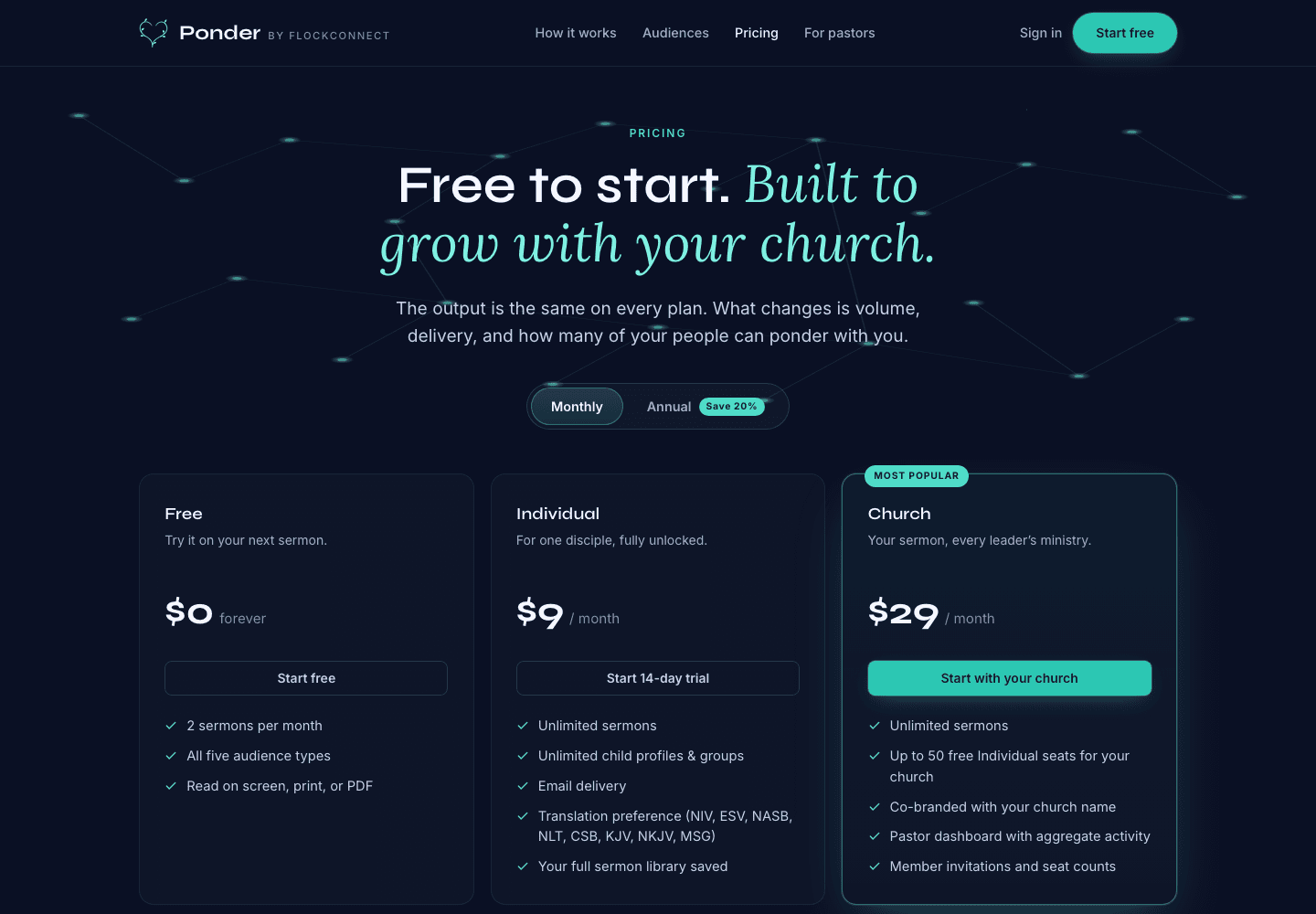
Cancellation changes future access according to the plan terms shown at checkout and in the portal.
What you keep
Your account, settings, and saved library remain available unless you ask us to delete them. Paid-only actions may be limited after the subscription ends, but your prior reviewed outputs remain part of your account history.
Use it well
- Cancel from the billing portal so Stripe records the change correctly.
- Download or export anything you need before the paid access window closes.
- Come back later with the same account when you want your saved library and settings again.
Cancelling should not erase your discipleship history. Account deletion is a separate request.