Ponder/Help/Your data, your sermons, your privacy
Account and billing

Your data, your sermons, your privacy

What we store, what we do not, and what your pastor can see.

Ponder stores the information needed to run your account, keep your library, enforce usage limits, and provide support. The goal is to make the product useful without turning private discipleship into a feed for someone else.

Sermons and generated outputs

Sermon text, transcripts, and generated outputs are stored so you can return to them later. You are responsible for making sure you have the right to submit sermon materials.

  • Use only sermon materials you have the right to submit.
  • Avoid adding unnecessary private details about children, students, or pastoral situations.
  • Review generated outputs before sharing or printing them.

Church plans

Church owners may see aggregate usage and seat information. They do not automatically receive the private content of a user's personal devotional or family output.

What to keep out

Ponder does not need full legal names, birthdays, school details, medical details, confidential counseling notes, or sensitive pastoral information to create a useful draft.

  1. Use simple labels for children or students when possible.
  2. Keep sermon source material focused on the sermon.
  3. Contact support without sending sensitive details unless support specifically needs them.

Ponder is designed for reviewed discipleship work, not surveillance. Church visibility stays focused on account and usage administration.
Frequently asked questions

Does Ponder sell personal information?

No. Ponder does not sell personal information or use third-party advertising cookies.

Review before using.

Ponder support articles describe the intended workflow. Generated output still needs human review before teaching, sharing, or using it with a child, student, group, or church.

Screens from the app

Connect this article to the real product.

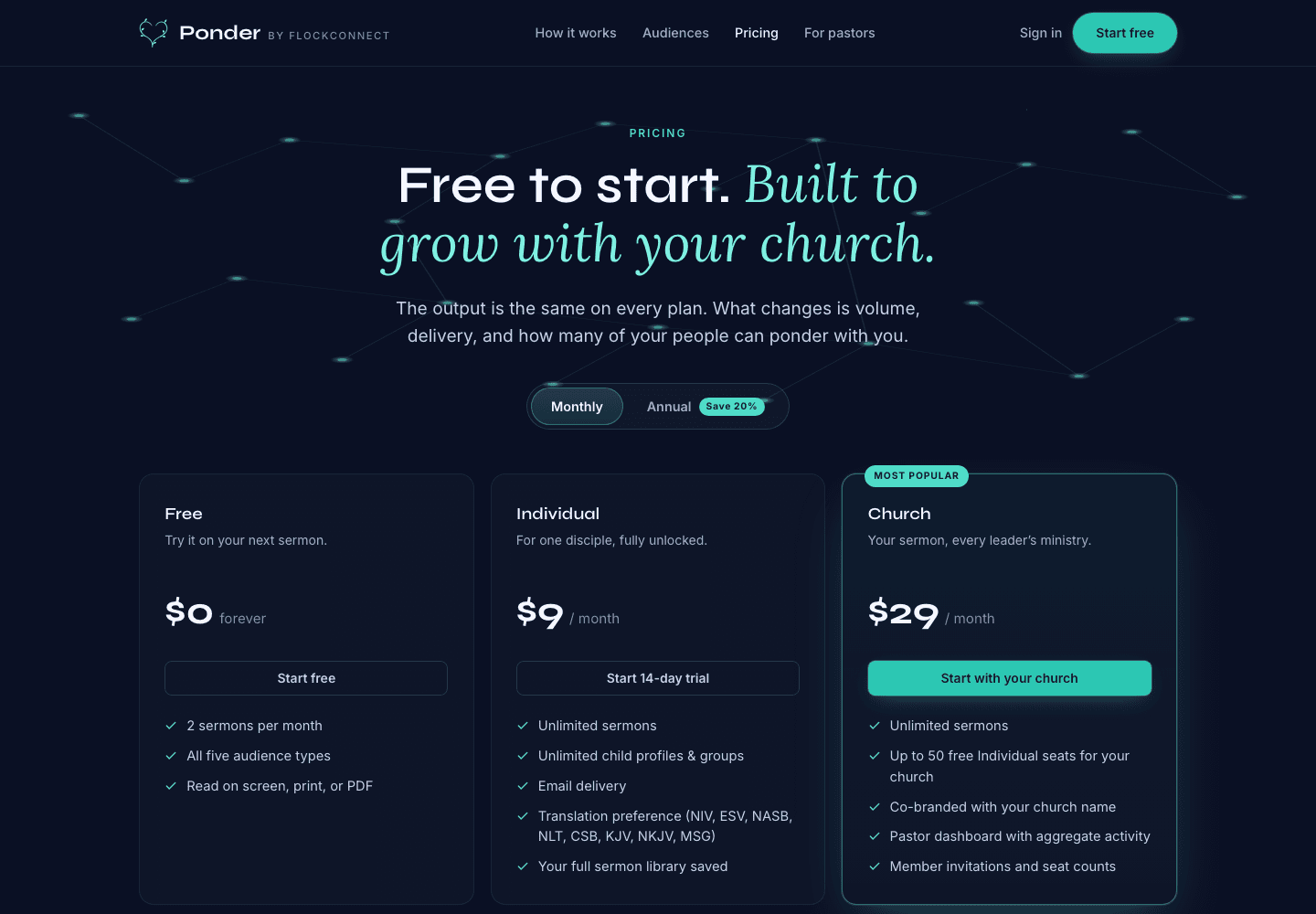
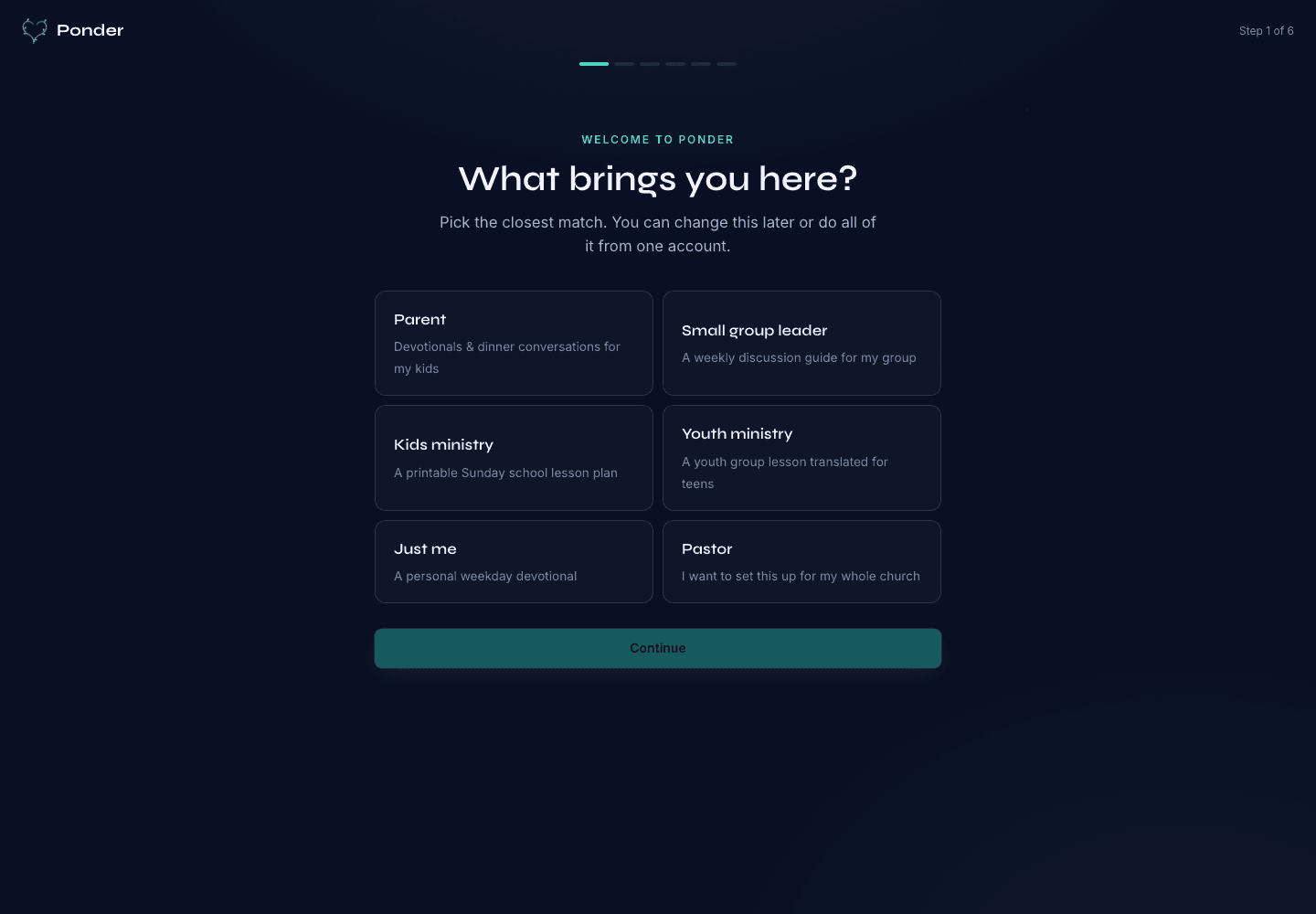
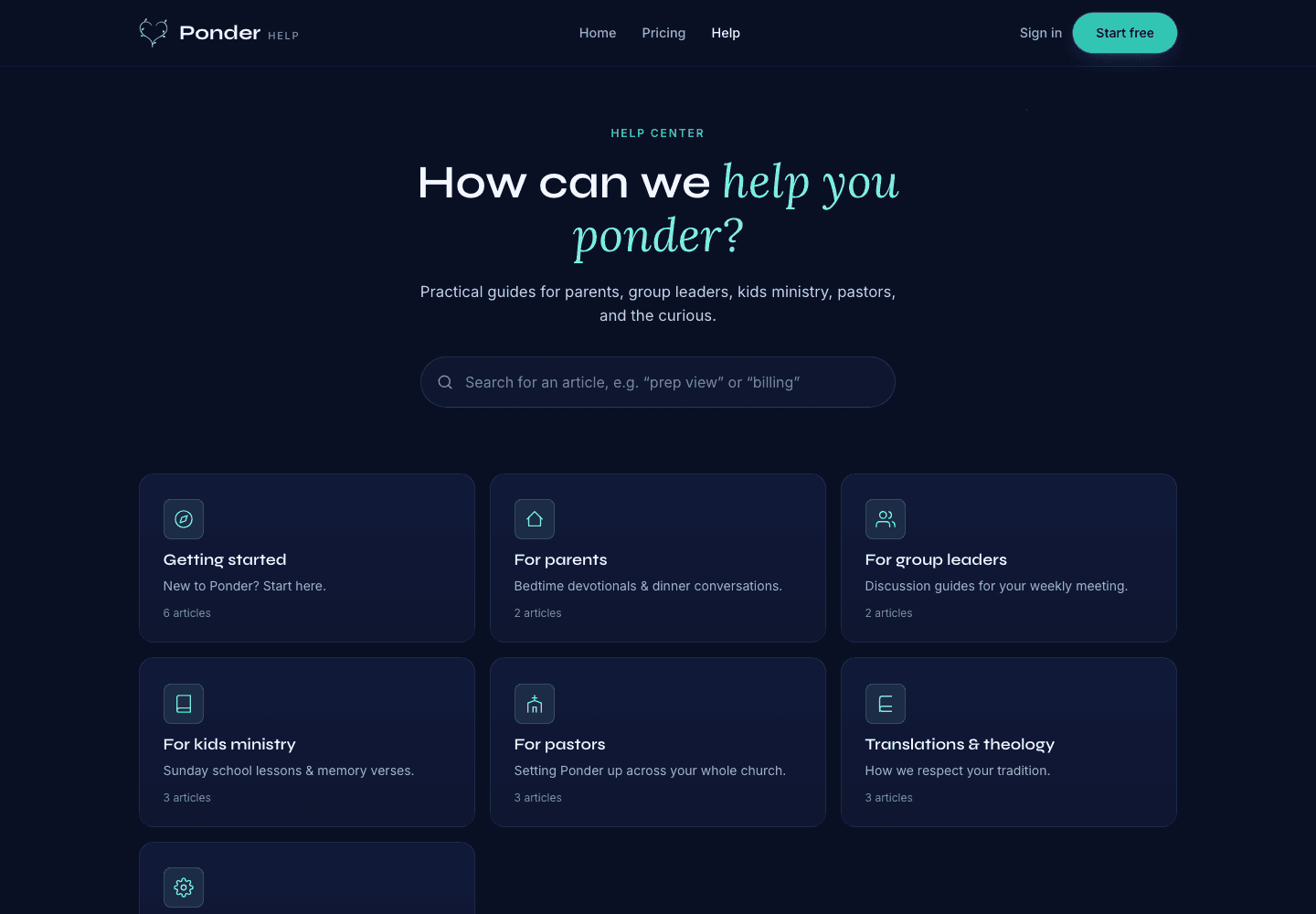
These actual screenshots show the onboarding, help, and pricing screens a user may see while following support guidance.

Ponder actual onboarding screen showing persona choices for parents, group leaders, kids ministry, youth ministry, individuals, and pastors.
Choose the setting

Actual onboarding screen where a user starts by naming the discipleship setting.

Ponder actual help center screen showing searchable support categories for parents, group leaders, kids ministry, pastors, and theology.
Find practical help

Actual help center screen with searchable support before and after a first sermon.

Ponder actual pricing screen showing Free, Individual, and Church plans.
Pick the right plan

Actual pricing screen showing the free start, individual plan, and church plan.

Related articles

Your data, your sermons, your privacy · Ponder